Remove SynthID: Delete AI Watermarks Without Quality Loss
Professional SynthID removal tool for AI-generated content. Process images & videos locally in your browser, no uploads, no degradation. Privacy first.
Introduction
What is RemoveSynthID?
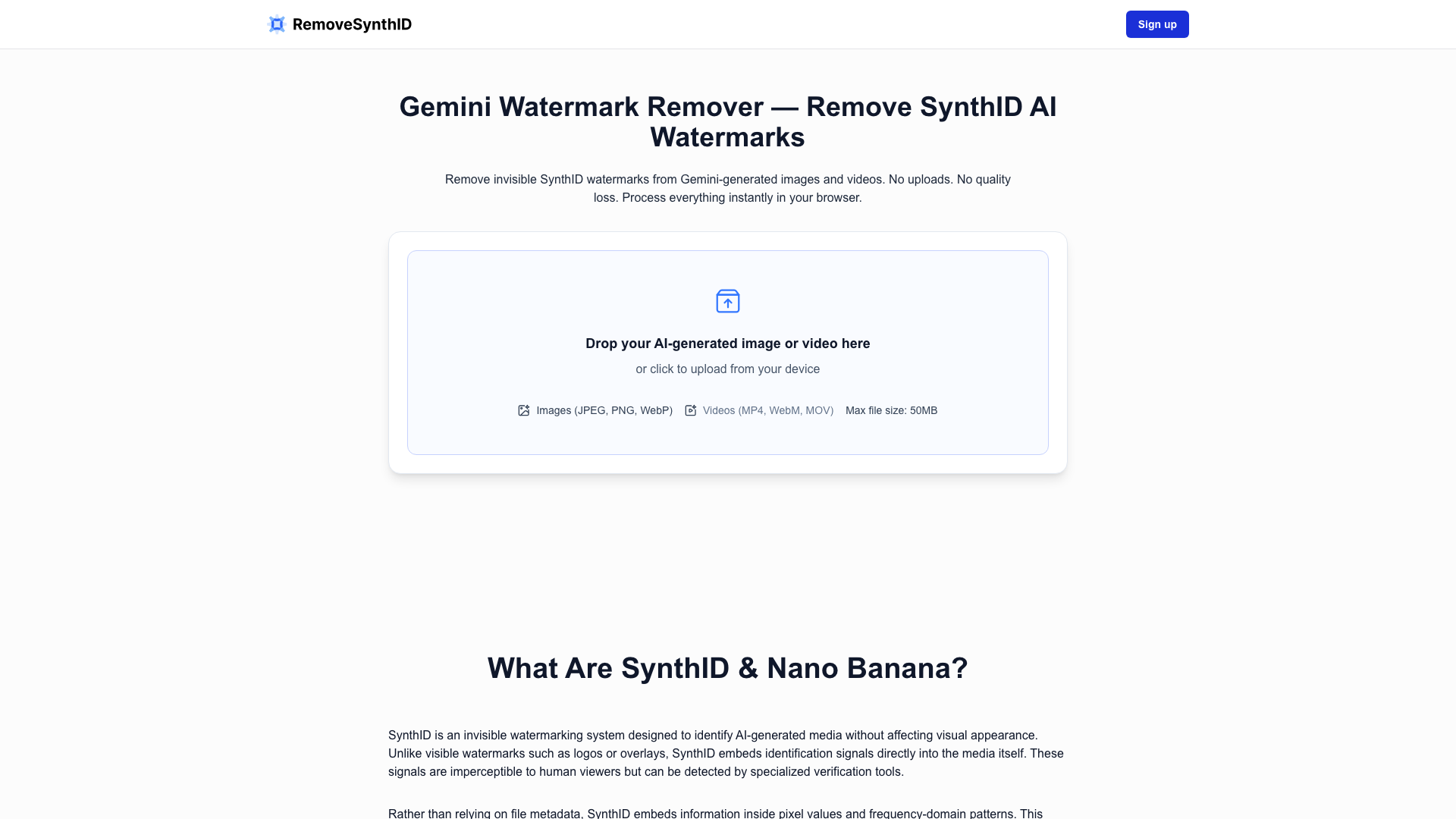
RemoveSynthID is a powerful online tool designed to eliminate invisible SynthID watermarks from images and videos generated by the Gemini AI platform. This tool operates directly in your browser, ensuring that your files remain private and secure throughout the process. By removing these watermarks, users can maintain creative control over their content without compromising quality.
Main Features of RemoveSynthID
- Instant Processing: RemoveSynthID processes images and videos in seconds without the need for uploads.
- No Quality Loss: The tool ensures that the visual quality of your content remains unchanged after watermark removal.
- Browser-Based: All processing occurs locally in your browser, meaning your files are never uploaded to a server.
- Format Support: Compatible with common image formats such as JPEG, PNG, and WebP, as well as video formats like MP4, MOV, and WebM.
- User-Friendly Interface: Simply drag and drop your files or click to upload, making the process straightforward and efficient.
How to Use RemoveSynthID
- Upload Your Content: Drag and drop your Gemini-generated image or video into the designated area or click to upload from your device.
- Initiate Removal: Click the “Remove SynthID” button to start the processing. The tool will analyze and disrupt the watermark patterns embedded in the content.
- Download Your Cleaned File: Once processing is complete, download your image or video, which will now be free of detectable SynthID watermarks.
Pricing
RemoveSynthID offers a free service for users to clean their content instantly. There are no hidden fees or subscription costs, making it accessible for everyone from casual users to professionals.
Helpful Tips for Using RemoveSynthID
- Use High-Quality Files: For the best results, upload high-resolution images or videos. This helps preserve watermark structure and improves the effectiveness of the removal process.
- Keep Original Copies: Always maintain a copy of the original file before processing. This allows you to compare results and ensure quality.
- Test Detection: If verification is important, use detection tools available to you after processing to confirm the removal of the watermark.
Frequently Asked Questions
Is this tool guaranteed to work?
No, while RemoveSynthID is designed to disrupt SynthID signals, results may vary based on the specific characteristics of the media and the detection methods used.
Does Gemini use SynthID to watermark images?
Yes, Gemini embeds SynthID watermarks in generated images, which are invisible to the human eye but detectable by automated systems.
How long does watermark removal take?
Processing time depends on the file size and your device''s performance. Smaller files typically process quickly, while larger files may take longer.
Is my data uploaded to any server?
No, all processing occurs locally in your browser, ensuring your files remain on your device throughout the workflow.
Can I remove watermarks from edited images?
Yes, RemoveSynthID can still be effective on edited images, although results may vary based on the extent of the edits.
Will cleaned images still be detectable as AI-generated?
Possibly. While RemoveSynthID targets SynthID specifically, other AI detection systems may still identify content based on visual analysis.
By utilizing RemoveSynthID, users can effectively manage their AI-generated content while ensuring privacy and quality.