Introduction
What is Ideaboard by MockFlow?
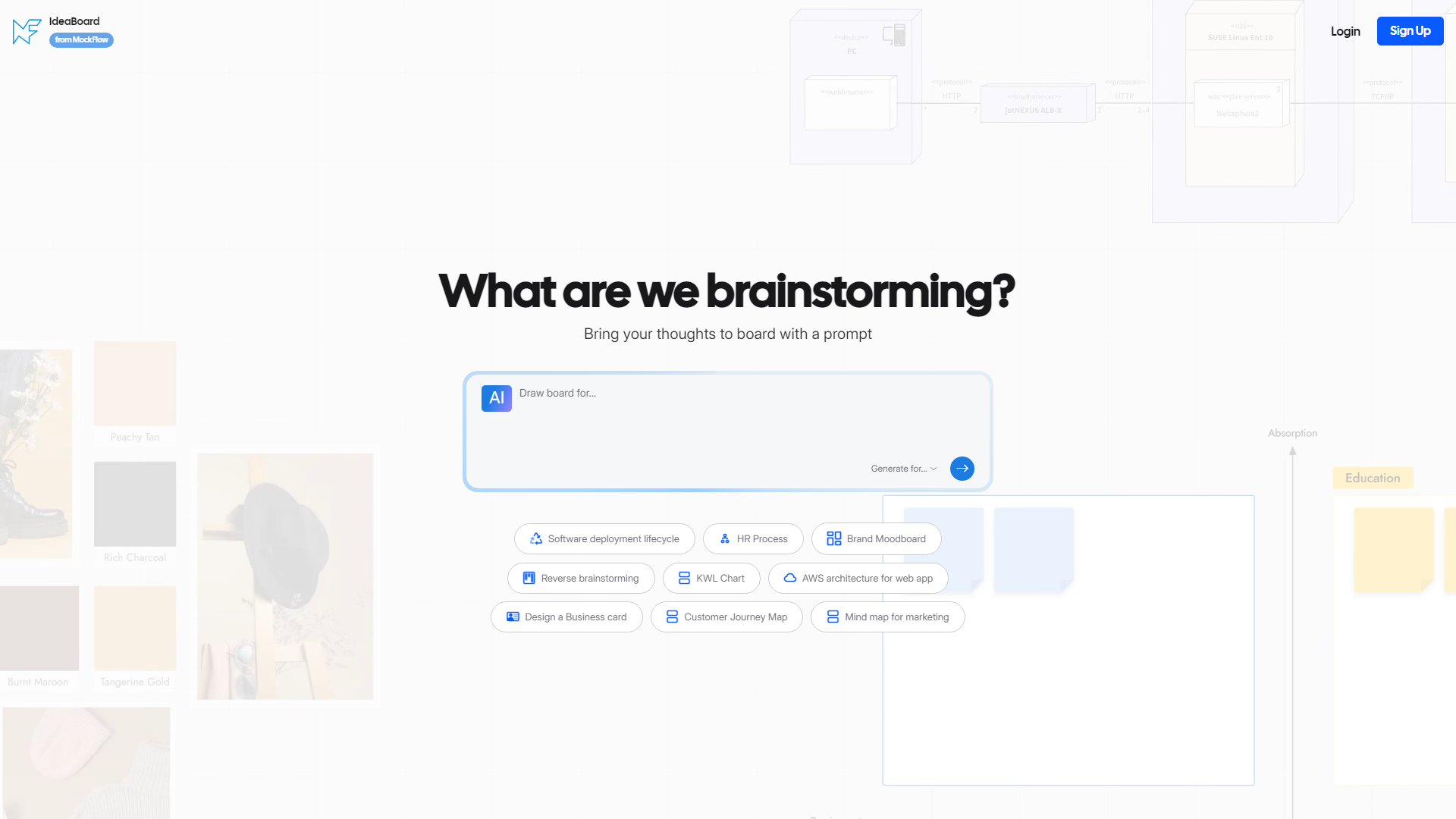
Ideaboard by MockFlow is an innovative brainstorming tool designed to facilitate creative thinking and collaboration among teams. It provides a platform for users to generate, organize, and visualize ideas through various templates and diagrams, making it easier to tackle complex problems and foster creativity.
What are the main features of Ideaboard by MockFlow?
- Diverse Brainstorming Templates: Ideaboard offers a wide range of templates including mind maps, flowcharts, customer journey maps, and more to cater to different brainstorming needs.
- Collaborative Environment: Users can collaborate in real-time, allowing teams to contribute ideas and feedback seamlessly.
- Visual Organization: The platform allows for visual representation of ideas, making it easier to understand and analyze complex concepts.
- Customizable Diagrams: Users can customize diagrams and templates to fit their specific project requirements.
- Integration with Other Tools: Ideaboard can integrate with other MockFlow tools, enhancing its functionality and usability.
How to use Ideaboard by MockFlow?
Using Ideaboard is straightforward:
- Sign Up/Login: Create an account or log in to access the platform.
- Select a Template: Choose from a variety of brainstorming templates that suit your project needs.
- Collaborate: Invite team members to join the brainstorming session and start adding ideas.
- Organize Ideas: Use the visual tools to organize and categorize ideas effectively.
- Export and Share: Once the brainstorming session is complete, export the diagrams or share them directly with stakeholders.
What is the pricing for Ideaboard by MockFlow?
Ideaboard offers various pricing plans to accommodate different user needs, including:
- Free Plan: Limited access to basic features and templates.
- Pro Plan: A monthly or annual subscription that unlocks advanced features, additional templates, and enhanced collaboration tools.
- Enterprise Plan: Custom pricing for larger organizations requiring extensive features and dedicated support.
Helpful Tips for Using Ideaboard
- Utilize Templates: Take advantage of the diverse templates available to streamline your brainstorming process.
- Encourage Participation: Foster an inclusive environment by encouraging all team members to contribute their ideas.
- Regularly Review Ideas: Schedule follow-up sessions to review and refine ideas generated during brainstorming.
- Leverage Visuals: Use visuals to enhance understanding and retention of ideas among team members.
Frequently Asked Questions
Can I collaborate with my team in real-time?
Yes, Ideaboard allows for real-time collaboration, enabling team members to contribute simultaneously.
Are there mobile applications available?
Currently, Ideaboard is primarily web-based, but it can be accessed on mobile devices through a web browser.
Is my data secure on Ideaboard?
Yes, MockFlow prioritizes user data security and employs measures to protect your information.
Can I export my brainstorming sessions?
Absolutely! You can export your diagrams and templates in various formats for easy sharing and presentation.
What if I need help using the platform?
MockFlow provides comprehensive support resources, including tutorials and customer service, to assist users with any questions or issues.