KeepAI — connect AI agents to apps safely.
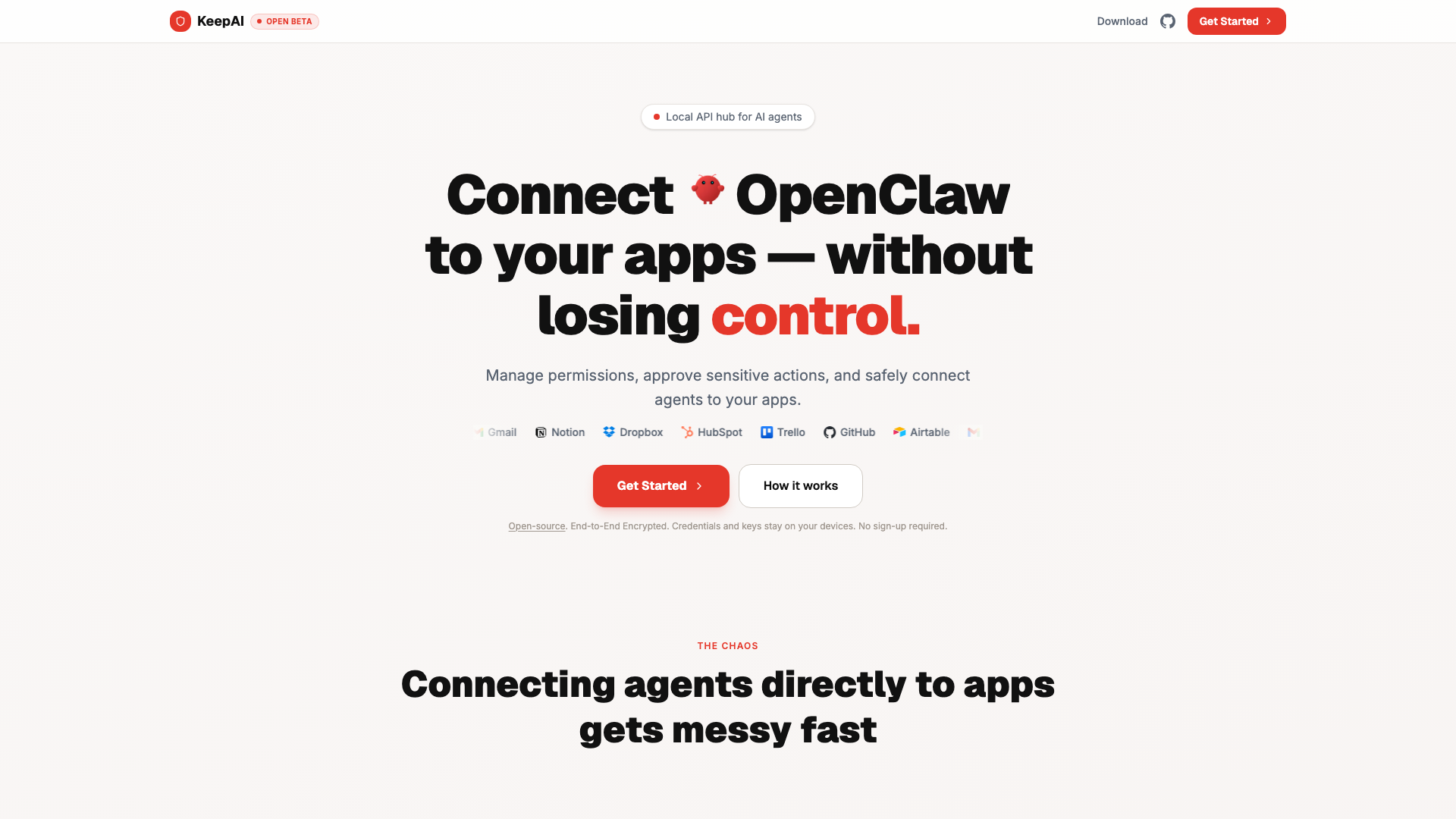
Connect once, manage easily, approve sensitive actions. Give agents autonomy, keep them under control.
Introduction
What is this AI tool?
KeepAI is a sophisticated permission management tool designed to connect AI agents to various applications securely. It acts as a control layer that ensures agents can interact with your apps without compromising security or privacy. By managing permissions and access centrally, KeepAI simplifies the process of integrating multiple AI agents with different applications, allowing users to maintain control over sensitive actions and data.
How it works
KeepAI operates through a straightforward three-step process:
- Install KeepAI: Download and run the application on your trusted device.
- Connect your applications: Link the apps you wish to protect, such as Gmail, Notion, and Dropbox.
- Connect agent: Your AI agent interacts with the apps within the controlled permissions set by KeepAI.
Key Features
- Centralized Control: Manage permissions for all your agents from a single interface, eliminating the chaos of scattered access keys and dashboards.
- Real-time Notifications: Stay informed about agent activities, including requests for approvals and actions taken.
- End-to-End Encryption: Ensure that all data remains secure, with credentials and keys stored locally on your device.
- Instant Revocation: Quickly pause or revoke access for any agent with a single click, providing peace of mind in case of unexpected behavior.
- Audit Trail: Keep a detailed log of all actions attempted or executed by agents, ensuring complete transparency.
Security Measures
KeepAI prioritizes user security with several robust features:
- Zero Data Storage: KeepAI does not store user data or credentials, ensuring that sensitive information remains on your device.
- Open Source: The entire codebase is publicly available for auditing, promoting transparency and trust.
- Hardware-Level Isolation: Agents operate in isolated environments, preventing compromised agents from accessing your accounts.
- User-Controlled Access: Only your devices hold the keys to your applications, allowing you to manage access effortlessly.
Benefits of Using KeepAI
- Simplified Management: Connect apps once and control access for multiple agents without the need for repetitive setups.
- Narrow Permissions: Unlike many applications that offer broad access, KeepAI allows you to customize permissions for each agent, ensuring they only have the access they need.
- Enhanced Automation: Automate routine tasks while maintaining oversight on sensitive actions that require approval.
FAQ
Is KeepAI a replacement for OpenClaw?
No, KeepAI is a permission layer that allows OpenClaw to operate within defined policies. It sits between OpenClaw and your applications, enforcing what it can and cannot do.
Does KeepAI store my data?
No, KeepAI does not store your data. It enforces policies and logs actions — what was attempted and what was executed. Your credentials and application data remain on your device.
Is KeepAI affiliated with OpenClaw?
No, KeepAI is an independent product. All applications mentioned are trademarks of their respective owners. KeepAI is not affiliated with, endorsed by, or sponsored by OpenClaw or any application vendor.
Can I use KeepAI with multiple applications?
Yes, KeepAI is designed to control permissions across multiple applications simultaneously. Connect Gmail, Notion, Google Drive — all managed from a single policy layer.
What counts as an app?
An app is one connected application account. For example: one Gmail inbox, one Google Drive account, or one Notion workspace. Each connection counts as one app slot in your plan.