Jupyter AI Agent - Runcell
Runcell is an AI agent for Jupyter that allows you to generate code and run cells with natural language.
Introduction
What is runcell.dev?
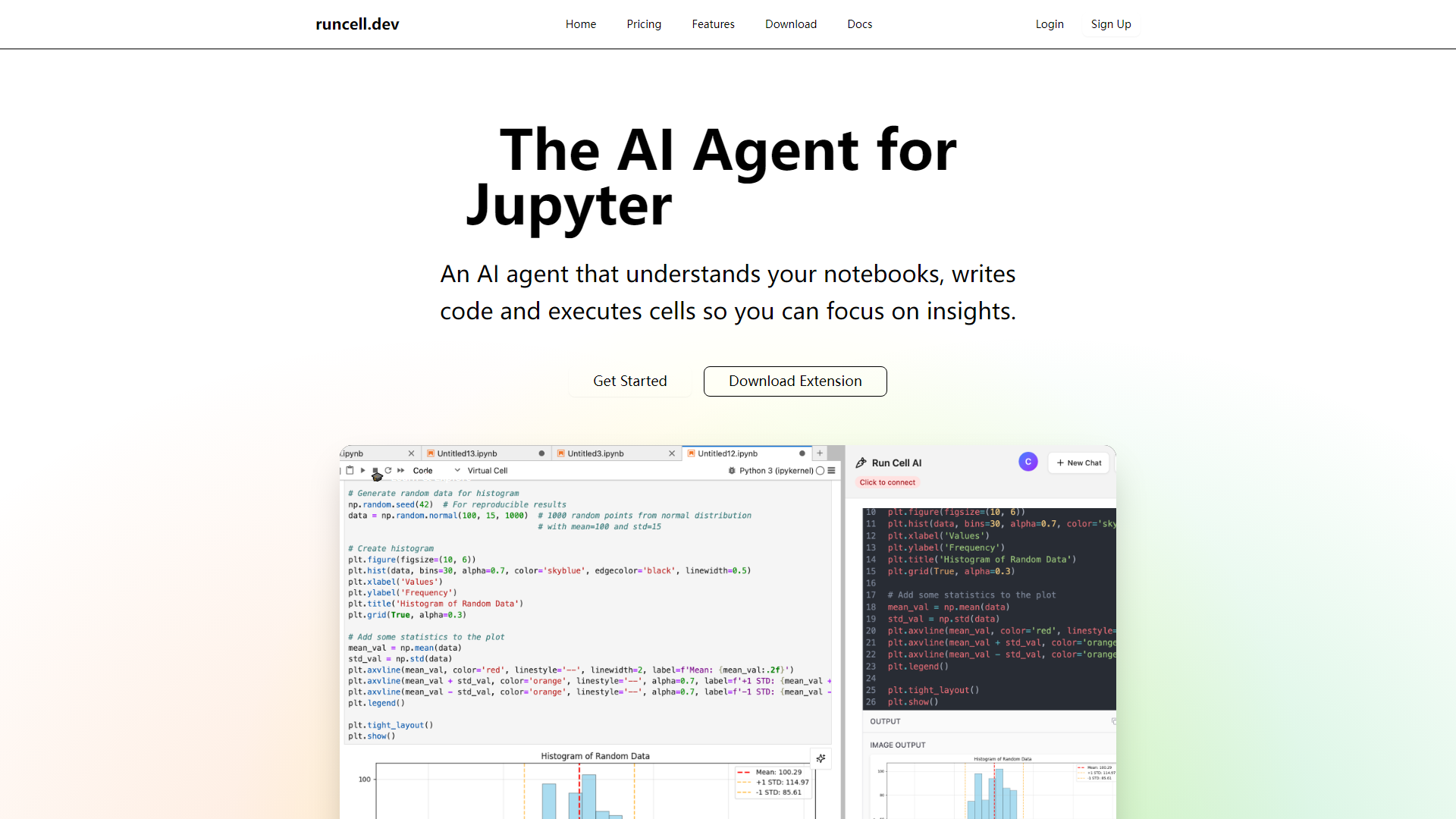
runcell.dev is an AI-powered platform designed specifically for Jupyter notebooks. It acts as an intelligent agent that comprehends your notebooks, writes code, and executes cells, allowing you to concentrate on deriving insights from your data rather than getting bogged down in coding tasks.
What are the main features of runcell.dev?
- Interactive Learning Mode: An AI teacher that explains concepts with live examples, making it ideal for understanding differences between algorithms like K-means and DBSCAN.
- Autonomous Agent Mode: This feature allows the AI to take full control of your notebook, executing cells and managing complex workflows automatically.
- Smart Edit Mode: An intelligent assistant that provides suggestions for editing and enhancing your notebook, helping you improve your code with ease.
- AI-Enhanced Jupyter: Users can ask questions about their code and receive AI-generated solutions along with smart recommendations for next steps.
How to use runcell.dev?
To get started with runcell.dev, simply download the extension and integrate it with your Jupyter environment. The AI agent will begin assisting you by automating tasks, providing explanations, and enhancing your coding experience. You can also explore the interactive learning mode to deepen your understanding of various algorithms.
What is the pricing for runcell.dev?
runcell.dev offers a free trial for users to experience its features. For those who wish to continue using the service beyond the trial period, various pricing plans are available to suit different needs. Check the pricing page for more details on subscription options.
Helpful Tips
- Maximize Your Learning: Utilize the interactive learning mode to grasp complex concepts more effectively.
- Automate Repetitive Tasks: Let the autonomous agent handle routine notebook tasks to save time and increase productivity.
- Seek Assistance: Don’t hesitate to ask the AI for help with coding challenges or for suggestions on improving your notebooks.
Frequently Asked Questions
Can runcell.dev help with code execution?
Yes, runcell.dev can execute cells and manage workflows autonomously, allowing you to focus on analysis rather than coding.
Is there a limit to the free trial?
The free trial allows you to explore the features of runcell.dev, after which you can choose a subscription plan that fits your usage needs.
How does the AI enhance my Jupyter experience?
The AI provides intelligent suggestions, automates tasks, and offers explanations for complex concepts, making your data science workflow more efficient.
Can I use runcell.dev for collaborative projects?
Yes, runcell.dev can be integrated into collaborative Jupyter environments, enhancing teamwork and productivity.
What if I encounter issues while using runcell.dev?
You can refer to the documentation or contact support for assistance with any issues you may face while using the platform.