Snaptrude | The AI-Powered Concept Design Platform
Design, collaborate, and deliver faster with Snaptrude, the browser-based concept design platform for architects. From program to BIM, in one tool.
Introduction
What is Snaptrude?
Snaptrude is an AI-powered concept design platform that revolutionizes the way architects and designers approach early-stage design. It provides tools for program validation, design modeling, and collaborative presentations, enabling users to create stunning designs efficiently and effectively.
What are the main features of Snaptrude?
- AI-Driven Design Tools: Snaptrude utilizes artificial intelligence to streamline the design process, allowing for faster and more accurate project development.
- Interoperability with Revit: Seamlessly import and export data with Revit, enhancing workflow efficiency and collaboration.
- Live-Linked Table Environment: Track targets and validate program areas effortlessly with a dynamic table that updates in real-time.
- Powerful Modeling Tools: Simplify complex area calculations and maximize design time with intuitive modeling features.
- Collaborative Whiteboard: Capture ideas and create presentations collaboratively with your team, fostering true collaboration throughout the design process.
How to use Snaptrude?
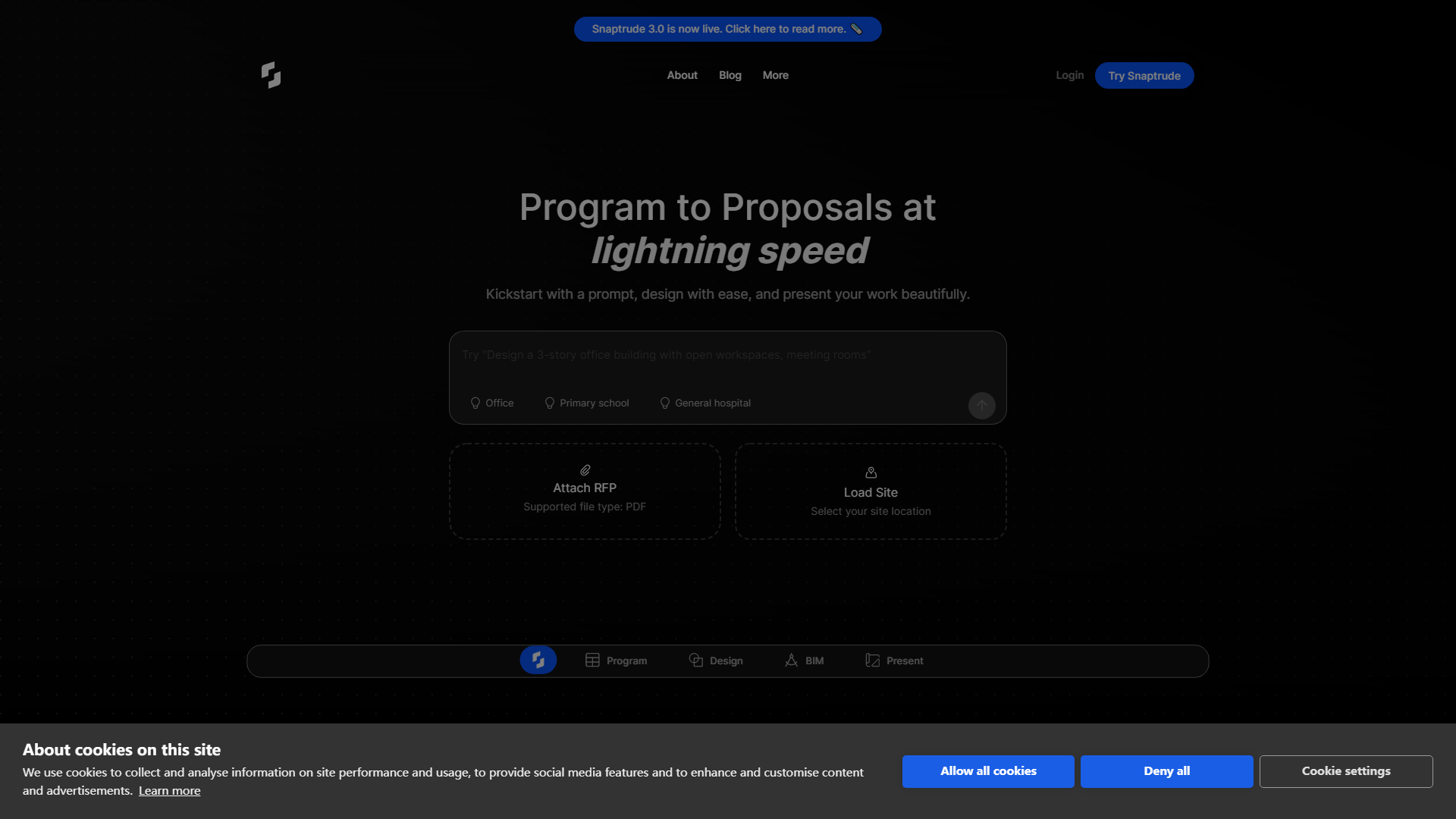
To get started with Snaptrude, simply enter a design prompt or upload a PDF file containing your project brief. The platform will guide you through the design process, allowing you to create, validate, and present your designs with ease. Users can request access to the platform and begin exploring its features.
What is the pricing for Snaptrude?
Snaptrude offers various pricing plans tailored to different user needs. While specific pricing details may vary, users can request access to learn more about subscription options and any available free trials.
Helpful Tips for Using Snaptrude
- Maximize Collaboration: Utilize the collaborative whiteboard feature to engage your team in the design process, ensuring all ideas are captured and considered.
- Leverage AI Tools: Take advantage of Snaptrude's AI-driven features to streamline your design workflow and reduce manual calculations.
- Stay Updated: Subscribe to Snaptrude’s newsletter to receive the latest updates, tips, and best practices for using the platform effectively.
Frequently Asked Questions
Can I integrate Snaptrude with other design software?
Yes, Snaptrude offers interoperability with Revit, allowing for seamless data exchange and enhanced workflow.
Is there a limit to the file size I can upload?
Yes, the maximum file size for uploads is 10 MB. Ensure your files are within this limit for successful uploads.
How can I request access to Snaptrude?
You can request access by visiting the Snaptrude website and filling out the necessary information to join the waitlist.
What types of projects can I use Snaptrude for?
Snaptrude is designed for a variety of projects, including architectural designs for offices, schools, hospitals, and more.
Will my data be secure on Snaptrude?
Snaptrude prioritizes user privacy and data security, ensuring that your information is protected throughout your design process.