Hey Prompt - Fix prompts inside your AI chats
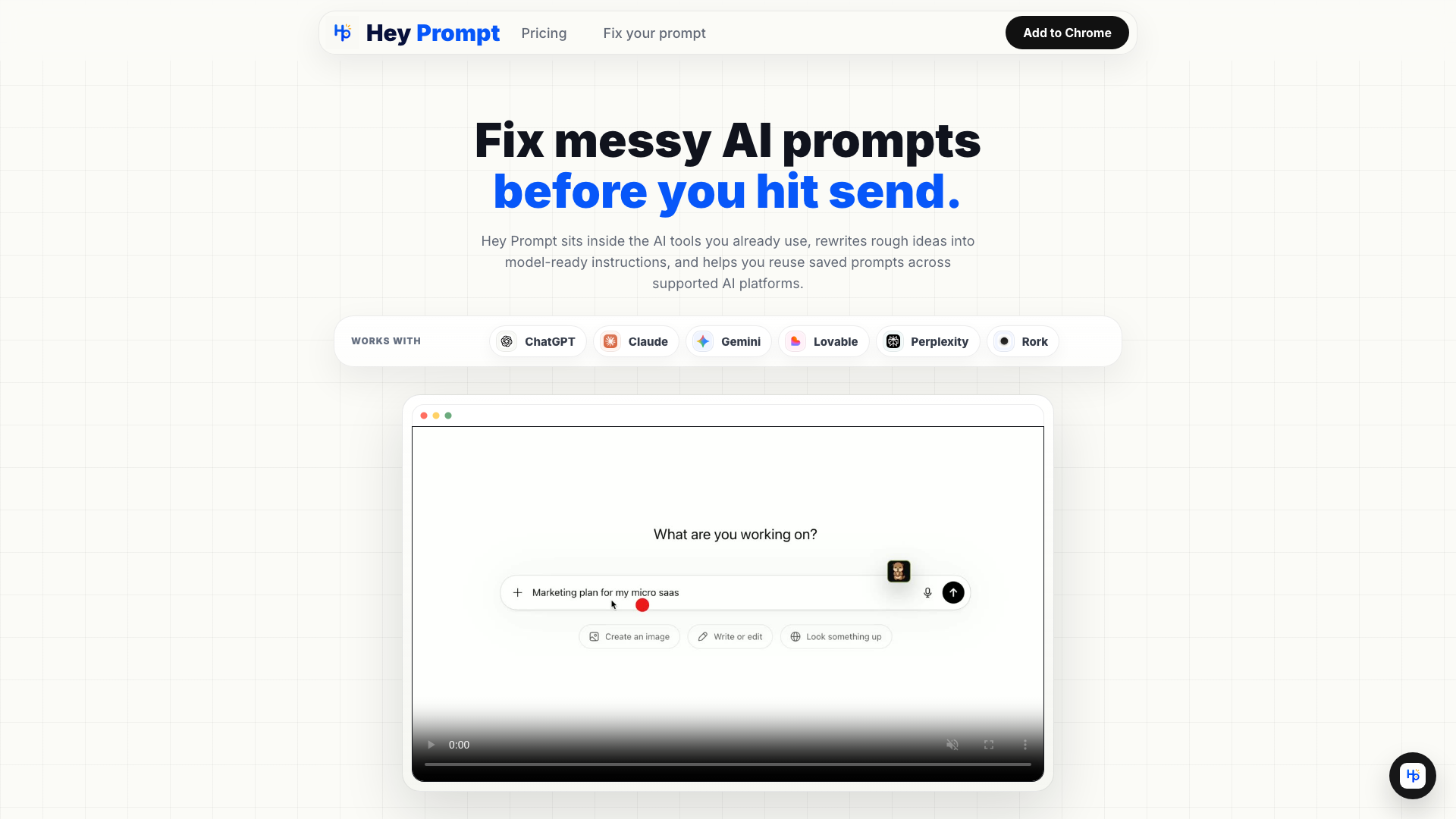
Hey Prompt rewrites rough prompts inside ChatGPT, Claude, Gemini, Perplexity, Lovable, and Rork before you hit send, then saves the prompts worth reusing.
Introduction
What is Hey Prompt?
Hey Prompt is an innovative browser extension designed to enhance your experience with AI tools by refining your prompts before you send them. It seamlessly integrates with popular AI platforms like ChatGPT, Claude, Gemini, Lovable, Perplexity, and Rork, allowing users to transform rough ideas into polished, model-ready instructions. This tool not only improves the quality of your prompts but also helps you save and reuse effective prompts across different AI applications.
What are the main features of Hey Prompt?
- One-click Rewrite: Easily transform messy prompts into sharper versions with a single click.
- Refinement Questions: For vague requests, Hey Prompt prompts you with up to two clarifying questions to enhance the final output.
- Reusable Prompt Library: Save your best prompts in a library for easy access and reuse in future tasks.
- Model-aware Optimization: Tailor prompts for different AI tools based on their unique requirements, ensuring better results.
- Live Companion Support: Small live companions assist you throughout the prompt workflow without being intrusive.
How to use Hey Prompt?
Using Hey Prompt is straightforward:
- Start with a Rough Ask: Begin by typing your initial prompt in any supported AI tool.
- Optimize for the Target: Hey Prompt will refine your prompt based on the specific AI model you are using, whether it''s for research, app building, writing, or marketing.
- Reuse Successful Prompts: Save your optimized prompts in the library, categorize them, and easily access them for future use.
Pricing
Hey Prompt offers a flexible pricing model:
-
Free Plan:
- 10 prompt optimizations per day
- No login or credit card required
- Access to the basic features including the prompt library
-
Pro Plan:
- Unlimited prompt rewrites
- Enhanced features including priority support
- Monthly subscription for users who need extensive usage
Helpful Tips
- Experiment with Different AI Tools: Try using Hey Prompt with various AI platforms to see which one suits your workflow best.
- Utilize the Refinement Mode: Make the most of the refinement questions to clarify your requests and improve the quality of your outputs.
- Organize Your Library: Regularly categorize and update your saved prompts to keep your library efficient and easy to navigate.
Frequently Asked Questions
Can I use Hey Prompt without creating an account?
Yes, you can start using Hey Prompt for free without the need for an account or credit card.
What happens if I reach my daily limit on the free plan?
Once you reach your daily limit of 10 optimizations, you will need to wait until the next day to use the service again or consider upgrading to the Pro plan for unlimited access.
Is my data safe with Hey Prompt?
Yes, Hey Prompt prioritizes user privacy and does not store any personal data beyond what is necessary for the functionality of the extension.
Can I use Hey Prompt on mobile devices?
Currently, Hey Prompt is designed as a browser extension and is best used on desktop environments. Mobile compatibility may be available in future updates.
How can I get support if I encounter issues?
Pro users receive priority support, but all users can access help through the contact options provided on the Hey Prompt website.