Free Image to Video AI Generator Online | VeeGen

Use VeeGen free image to video AI to instantly turn photos into dynamic videos online, no watermark. Create stunning animations for TikTok, Ins, YouTube without any skills.
Introduction
What is VeeGen AI?
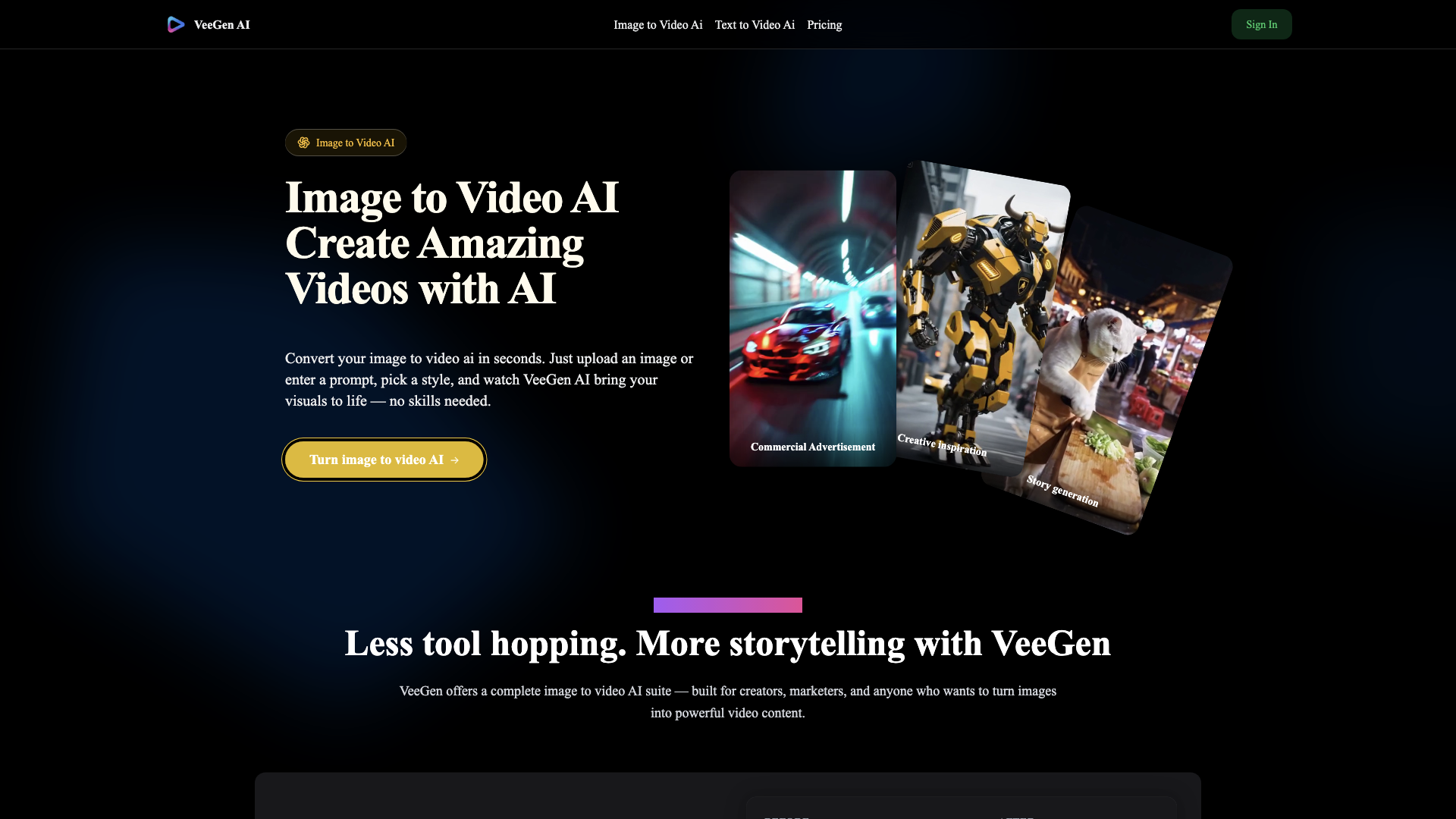
VeeGen AI is an innovative online platform that allows users to convert static images into dynamic videos using advanced artificial intelligence technology. With VeeGen, you can effortlessly transform your images into captivating video content in just seconds, making it an ideal tool for creators, marketers, and anyone looking to enhance their visual storytelling.
What are the main features of VeeGen AI?
- User-Friendly Interface: No editing skills are required; simply upload an image or enter a prompt to get started.
- Diverse Style Options: Choose from over 30 video styles, including cinematic, anime, and cartoon, to match your creative vision.
- High-Quality Output: VeeGen produces studio-quality videos with smooth animations and no watermarks.
- Custom Motion Control: Fine-tune the motion strength, direction, and speed to create unique animations.
- Character Consistency: Ideal for creators who want to maintain character recognition across multiple clips.
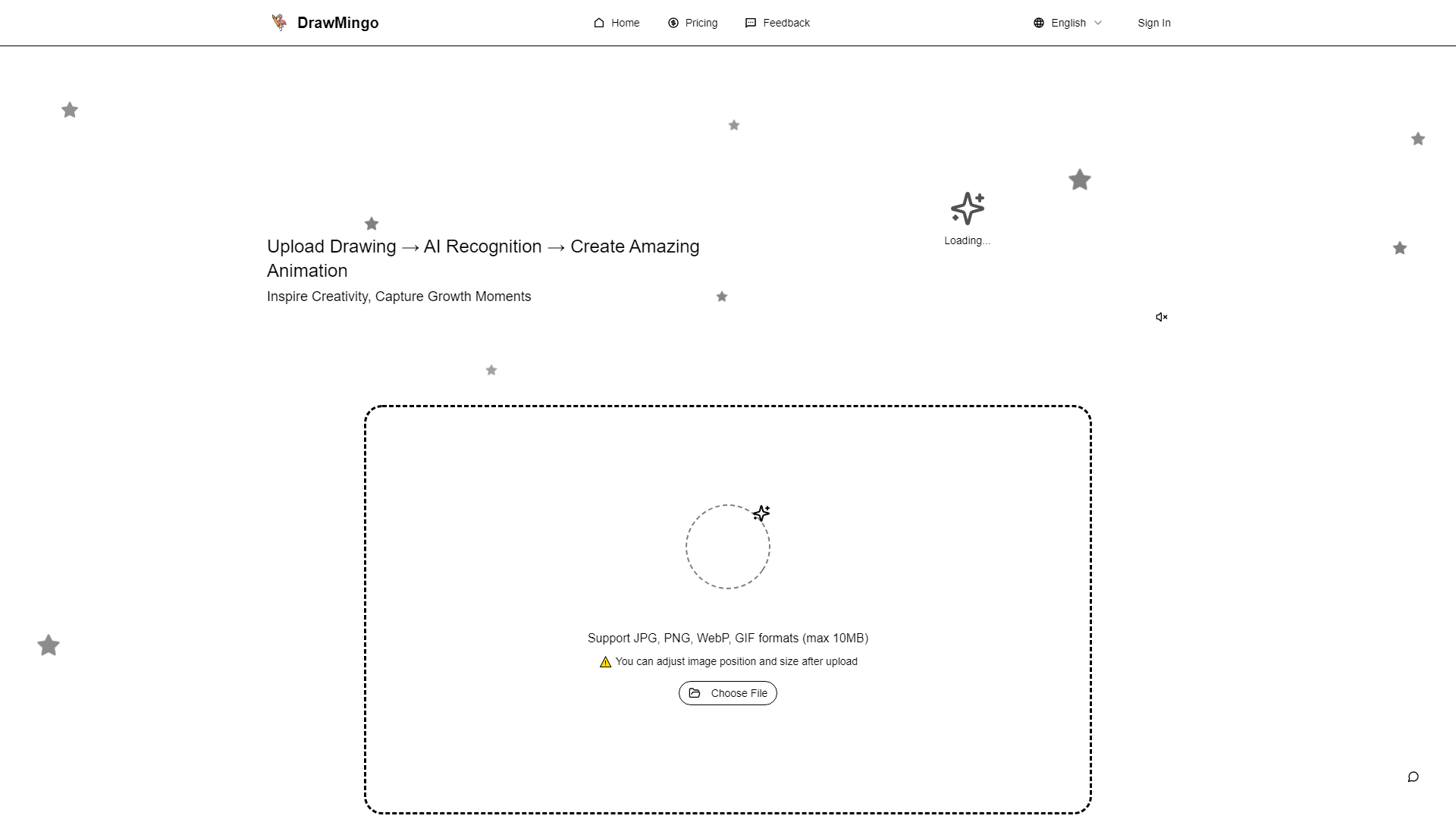
- Sketch Animation: Animate hand-drawn sketches and illustrations with ease.
How to use VeeGen AI?
Creating videos with VeeGen AI is a straightforward process that involves four simple steps:
- Upload Your Image: Start by uploading a photo, drawing, or any static image in JPG, PNG, or WEBP format.
- Choose Your Style & Settings: Select from various styles and customize the animation settings, including motion intensity and duration.
- Generate Your AI Video: The AI will create your video in seconds, allowing for instant previews.
- Download and Share: Once your video is ready, download it in high-resolution MP4 format or share it directly on social media.
Pricing
VeeGen AI offers a free version with basic features, while premium subscriptions are available for users who need advanced functionalities and additional video generation capabilities. Check the website for the latest pricing details and subscription options.
Helpful Tips
- Experiment with Styles: Try different styles to see which one best fits your project.
- Use High-Quality Images: For the best results, upload images that are clear and of high resolution.
- Incorporate Text Prompts: Adding text prompts can enhance the animation and storytelling aspect of your videos.
- Leverage Community Insights: Join the VeeGen community to share experiences and learn from other users.
Frequently Asked Questions
What kind of images can I use?
You can use photos, sketches, illustrations, and even anime stills. JPG and PNG formats over 300×300 px are recommended for optimal results.
How fast is the video generation?
Most videos take between 30 to 60 seconds to generate, depending on the complexity of your image or prompt.
Can I animate a hand-drawn sketch?
Yes, VeeGen includes a sketch-optimized mode for turning static drawings into fluid animations.
Do I need editing skills to use this?
No, VeeGen is designed for everyone. Just upload an image or type a prompt, and the AI will handle the rest.
Is commercial use allowed?
Yes, videos created with VeeGen can be used for both personal and commercial projects, provided you adhere to the terms of service.
What formats can I upload and download?
You can upload JPG, PNG, or WEBP files, and videos are exported in MP4 or WebM formats.
Can I add music or effects to my videos?
Absolutely! After generating your video, you can add background music, transitions, and subtitles using the online editor.
How is this different from text-to-video tools?
Image to video AI starts from a static image and adds motion, while text-to-video generates scenes from scratch. Both tools are powerful, depending on your starting point.
How do I start?
Simply upload an image or paste a prompt, select your preferred style, and hit generate. It’s that easy!