Bring Drawing To Life Instantly | DrawMingo AI Animation
Bring any drawing to life instantly with DrawMingo AI! Transform children's artwork into magical animated videos with music and effects. Try free today!
Introduction
What is DrawMingo?
DrawMingo is an innovative AI-powered platform that allows you to bring children's drawings to life through stunning animations. By simply uploading a drawing, users can transform their child's artwork into dynamic animated videos, creating magical stories that inspire creativity and capture precious growth moments.
What are the main features of DrawMingo?
- Scene Recognition: The AI understands entire scenes, including backgrounds and story elements, to create cohesive animations.
- Animation Effects: Choose from multiple animation styles such as 2D, hand-drawn, and cartoon effects to enhance the visual appeal.
- Voice & Narration: Add custom AI narration and character dialogue to make animations more engaging.
- Cloud Storage: All animations are securely saved in the cloud for instant access anytime.
- Safe Environment: The platform includes full parental controls and privacy protection, ensuring a safe experience for children.
How to use DrawMingo?
Using DrawMingo is incredibly simple and can be done in just three easy steps:
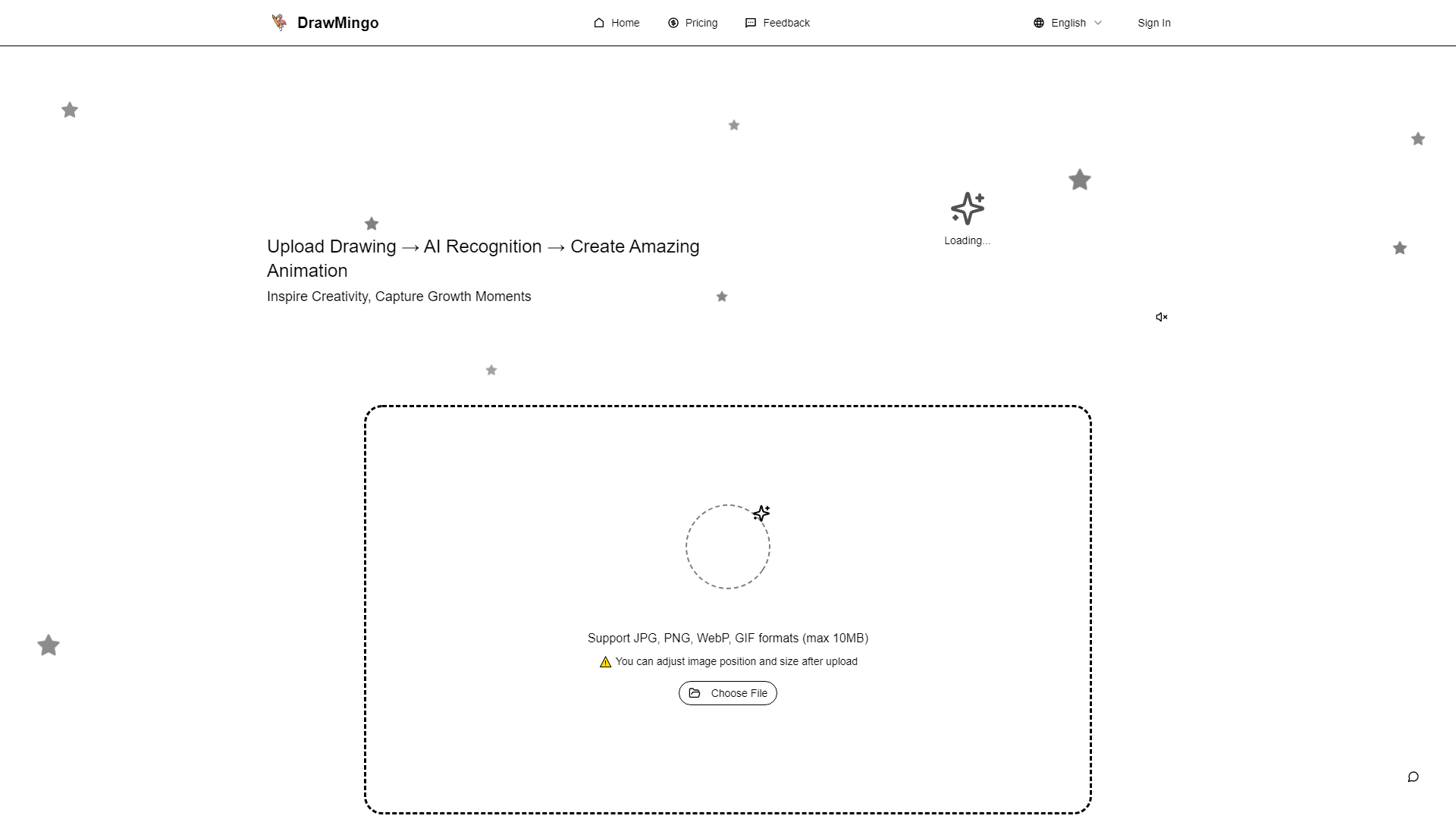
- Upload Drawing: Take a photo or scan your child's artwork and upload it to the platform.
- AI Enhancement: Watch as the AI transforms the drawing into beautiful art.
- Animate & Share: Create animations and stories to share with family and friends.
What is the pricing for DrawMingo?
Each animated video generation requires 10 credits. DrawMingo offers various recharge packages at competitive prices, making it affordable for families with different needs. The more you recharge, the better the value you receive.
Helpful Tips for Using DrawMingo
- Engage with Your Child: Encourage your child to participate in the drawing and animation process to enhance their creativity and strengthen your bond.
- Experiment with Different Styles: Try out various animation effects to see which ones resonate best with your child's artwork.
- Utilize Voice Features: Let your child record their own voices for the characters to add a personal touch to the animations.
- Regularly Save Creations: Make sure to save all animations in the cloud for easy access and sharing.
Frequently Asked Questions
-
What types of creations does DrawMingo support?
- DrawMingo supports uploading children's hand-drawn artwork, doodles, or any creative drawings to generate animated videos.
-
How fast can I bring a drawing to life?
- Animations can be created in just 3-5 minutes, allowing for quick processing of multiple drawings.
-
What quality are the animations?
- Every animated video is produced in HD 1080p with smooth 30fps playback, and they export as MP4 files compatible with all devices.
-
Can I add voice to the animations?
- Yes! You can record your own narration or let children voice their animated characters.
-
What age can use DrawMingo?
- Children aged 3-12 can enjoy creating animations, with younger kids encouraged to work with parents.
-
Is DrawMingo safe for kids?
- Absolutely! DrawMingo is COPPA compliant and prioritizes safety with secure content filters.
-
Can I bring multiple drawings to life at once?
- Currently, only one drawing can be processed at a time to ensure quality, but you can upload multiple works sequentially.
-
Do I need special skills to use DrawMingo?
- No special skills are needed! The AI makes animation simple and accessible for everyone.
-
How much does it cost to bring a drawing to life?
- Each animated video generation costs 10 credits, with various recharge packages available for families.
Start bringing your child's drawings to life today with DrawMingo and join thousands of families in creating magical animations!