AI Free Image Translator Online - Translate Text in Photos Instantly | ImageTranslator
AI Free Image Translator: Upload JPG, PNG, BMP, or WEBP photos (up to 10MB), select source & target languages, and download translated images with original layout preserved. Perfect for travelers reading foreign signs, students studying multilingual docs, or businesses localizing visuals.effortless OCR text translation!
Introduction
What is ImageTranslatorAI?
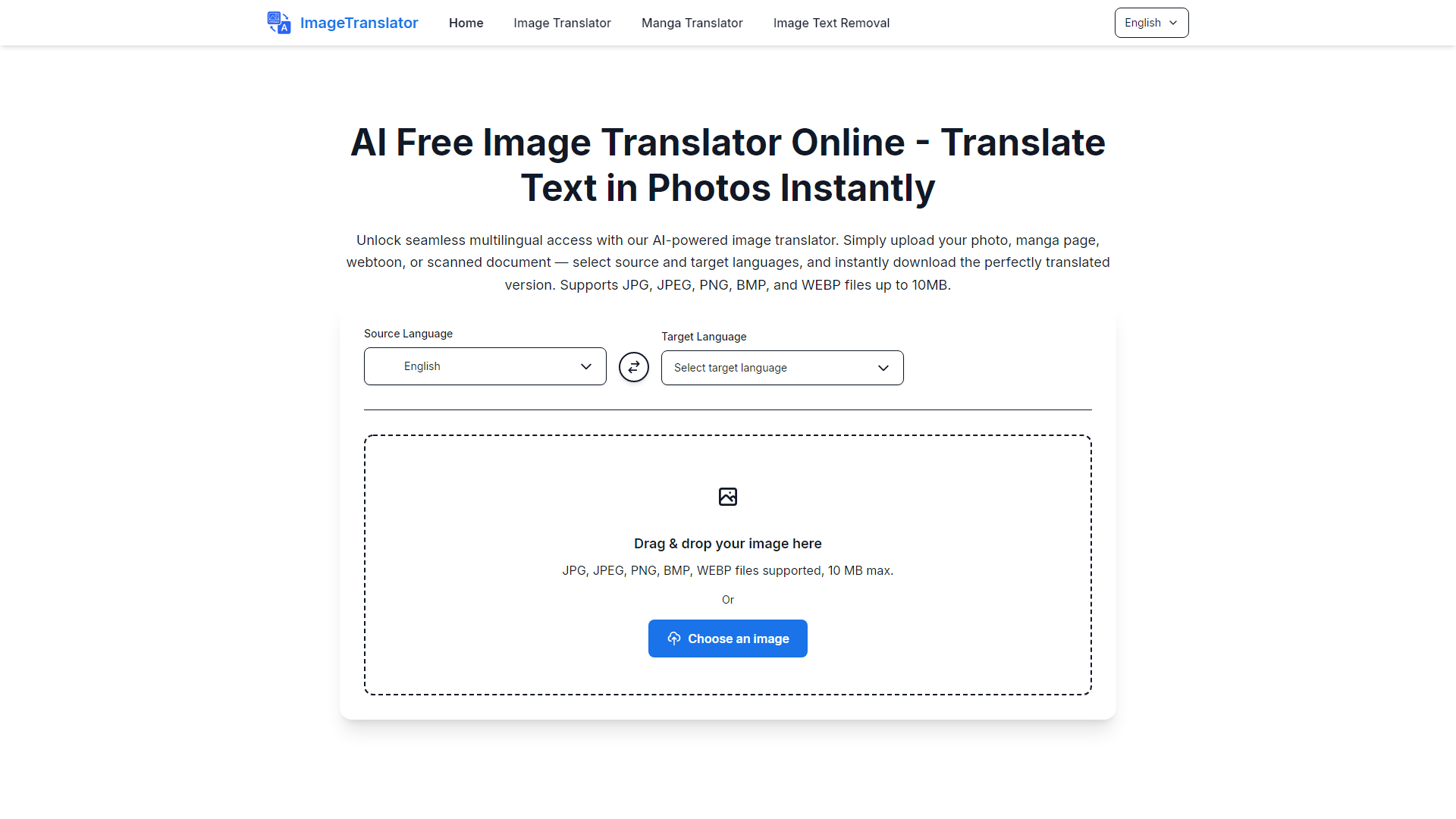
ImageTranslatorAI is an advanced AI-powered platform that allows users to translate text found in images instantly. Whether it's a photo, manga page, webtoon, or scanned document, users can upload their images, select the source and target languages, and download the translated version seamlessly. The platform supports various image formats including JPG, JPEG, PNG, BMP, and WEBP, with a file size limit of 10MB.
What are the main features of ImageTranslatorAI?
- Wide Language Support: ImageTranslatorAI supports over 100 languages, enabling users to translate text from various languages including English, Chinese, Spanish, French, Japanese, and more.
- Effortless Image Upload: Users can easily upload images directly to the platform without any hassle.
- Format-Preserving Translation: The translation process maintains the original layout and design of the image, ensuring that the visuals remain professional.
- Instant Download: Translated images can be downloaded within seconds, making it convenient for users to integrate them into their workflow.
- Free Usage: The platform is designed for casual users, requiring no upfront costs or subscriptions.
How to use ImageTranslatorAI?
Using ImageTranslatorAI is simple:
- Upload your image file (JPG, JPEG, PNG, BMP, or WEBP).
- Select the source language and the target language for translation.
- Click on the process button to start the translation.
- Download the translated image once processing is complete.
Price
ImageTranslatorAI is completely free to use. There are no hidden fees or subscriptions required, making it accessible for everyone.
Helpful Tips
- Ensure that the text in your uploaded image is clear and legible for the best translation results.
- If your image file exceeds the 10MB limit, consider compressing it before uploading.
- Take advantage of the platform's support for multiple languages to cater to diverse translation needs.
Frequently Asked Questions
What file formats does your image translator support?
ImageTranslatorAI supports JPG, JPEG, PNG, BMP, and WEBP files up to 10MB.
How do I translate text in an image using this tool?
Simply upload your image, select the source and target languages, and click process. The translated result will be available for download shortly.
How accurate is the translation in this image translator?
The platform utilizes reliable AI technology, ensuring high accuracy for common languages and contexts. Clear text in your uploads will yield the best results.
Can I use this to translate from an image in multiple languages?
Yes, you can select any supported source and target language pair, making it ideal for multilingual translation needs.
What if my file exceeds 10MB for image translation?
If your file exceeds the limit, you will need to compress it before uploading to ensure efficient processing.
Conclusion
ImageTranslatorAI is a powerful tool for anyone needing quick and accurate translations from images. With its user-friendly interface, extensive language support, and commitment to preserving the original format, it stands out as an essential resource for travelers, students, and professionals alike. Start translating your images today for free!