Free Content Audit Tool for One URL | Page Refresh AI
Free content audit tool for one public URL. Check structure gaps, weak sections, missing questions, answer clarity, internal links, and refresh priorities in under 30 seconds.
Introduction
What is Page Refresh AI?
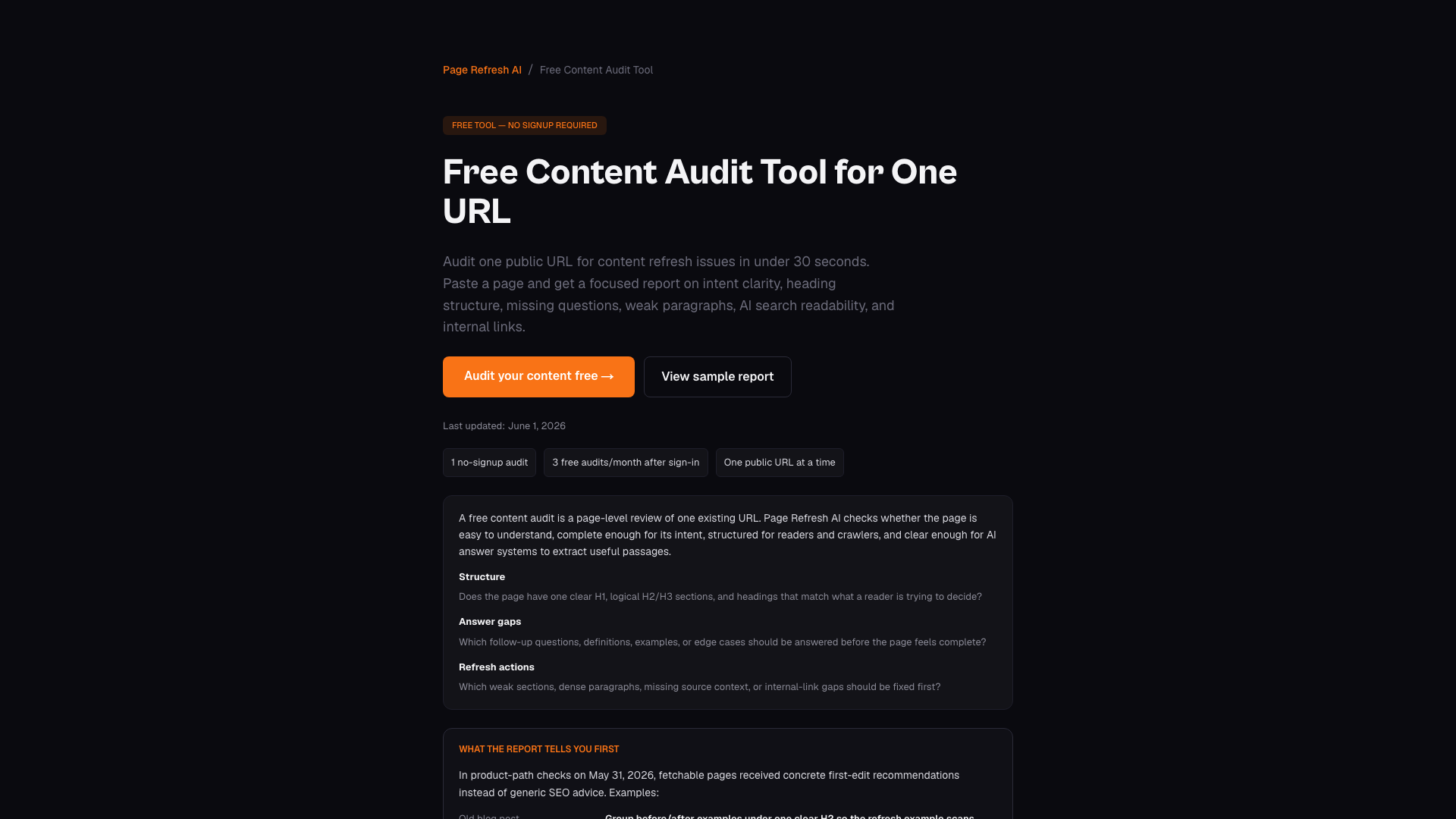
Page Refresh AI is a free content audit tool designed to analyze a single public URL for content refresh issues in under 30 seconds. It provides a focused report that evaluates intent clarity, heading structure, missing questions, weak paragraphs, AI search readability, and internal links. This tool is perfect for bloggers, content creators, and business owners looking to enhance their web pages without the need for extensive technical knowledge.
Main Features of Page Refresh AI
- Instant Analysis: Audit one public URL in less than 30 seconds.
- No Signup Required: Users can run one audit without creating an account.
- Detailed Reports: Get insights on heading structure, content gaps, readability, and internal linking.
- User-Friendly Interface: Simple to use, making it accessible for everyone.
- Monthly Free Audits: After the initial audit, users can sign in for up to 3 free audits per month.
How to Use Page Refresh AI
Using Page Refresh AI is straightforward:
- Paste the URL: Copy the public URL of the page you want to audit.
- Click Analyze: The tool will crawl the page and analyze its content.
- Receive Your Report: In under 30 seconds, you will receive a detailed report with specific recommendations for improvement.
- Implement Changes: Use the insights from the report to enhance your content.
Pricing
Page Refresh AI offers a free content audit for one URL. After the first audit, users can sign up for a free account that allows up to 3 audits per month. For those needing more audits, paid plans start at $19/month, which includes 30 audits per month and higher-volume options for ongoing content refresh work.
Helpful Tips
- Choose the Right URL: Start with a page that has shown signs of underperformance, such as low click-through rates or declining impressions.
- Use Analytics Tools: Leverage Google Search Console or GA4 to identify which pages need attention before running an audit.
- Follow Recommendations: Implement the specific suggestions provided in the audit report to maximize the effectiveness of your content refresh.
Frequently Asked Questions
Is the content audit tool really free?
Yes, you can run one audit without signing up, and after that, you can sign in for 3 free content audits per month.
What does the free content audit check?
The audit evaluates heading structure, weak sections, missing follow-up questions, answer clarity, readability, source context, internal link opportunities, and refresh priorities.
How long does a content audit take?
Most audits are completed in under 30 seconds.
Do I need to sign up to use the tool?
No signup is required for your first audit. After that, you can sign in to access additional free audits.
What types of pages can I audit?
You can audit any public, crawlable URL, including blog posts, landing pages, product pages, and help articles.
How is this different from other SEO audit tools?
Page Refresh AI focuses specifically on content refresh for one URL at a time, providing targeted recommendations rather than broad site diagnostics.
Can I audit competitor pages?
Yes, you can analyze any public page, including competitor pages, to understand their content structure and coverage.
What should I do after getting my audit report?
Start with the highest-impact recommendations, such as fixing heading structure issues, adding missing FAQ sections, and improving internal links.