Endex AI Agent to Automate Excel Work | Backed By OpenAI
An Excel-native AI Agent that accelerates financial modeling and data analysis backed by OpenAI and ChatGPT
Introduction
What is Endex?
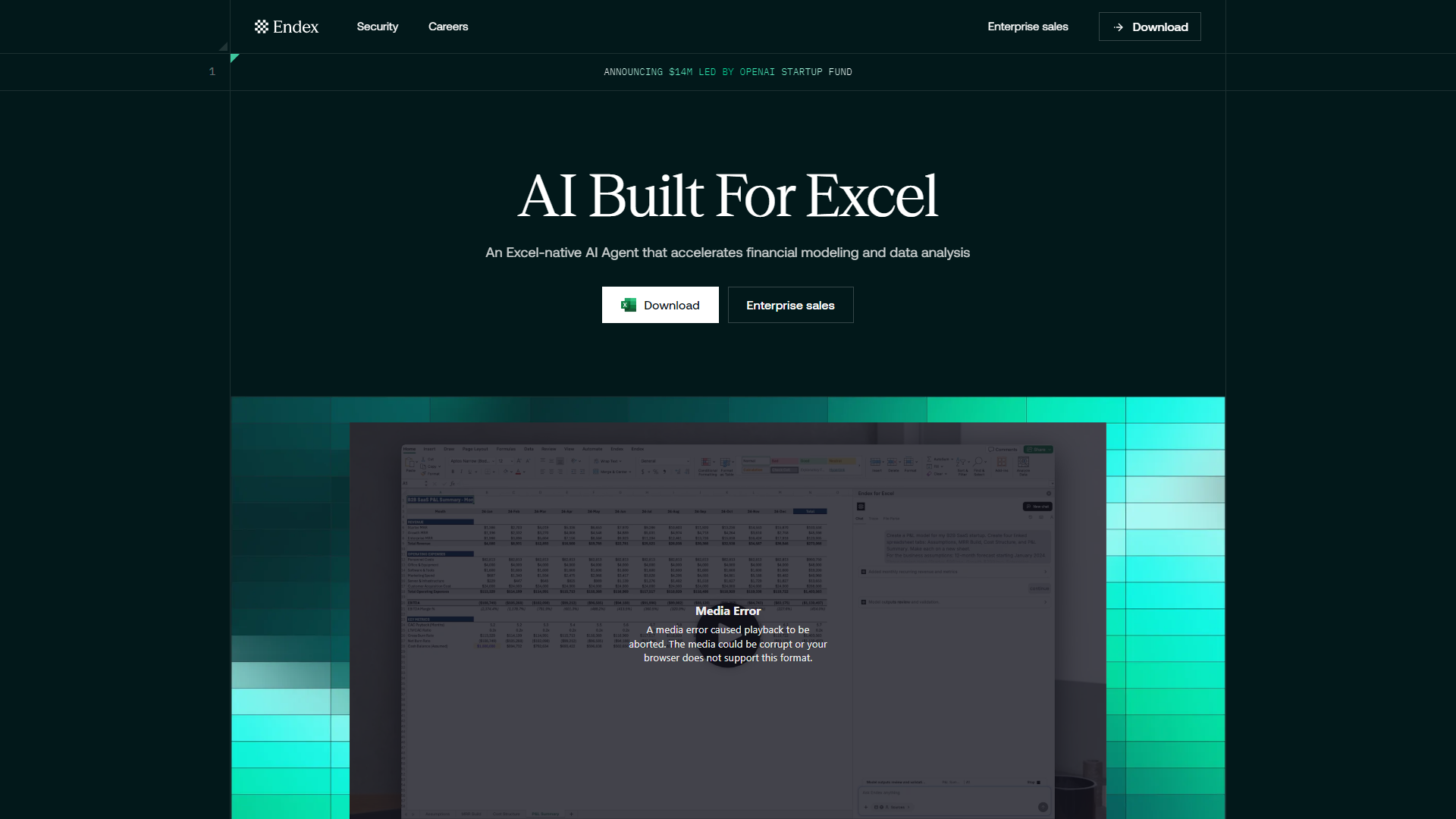
Endex is an innovative Excel-native AI agent designed to automate and enhance financial modeling and data analysis tasks. Backed by OpenAI, it integrates seamlessly into Excel, providing users with powerful tools to streamline their workflows and improve efficiency in handling complex financial documents.
What are the main features of Endex?
- Integrated Citations: Endex provides auditable outputs with citations to the underlying sources, ensuring transparency and reliability.
- Custom-Built Models: Tailored for finance, Endex understands intricate financial documents, accounting methods, and complex charts.
- Unified Data Access: It consolidates internal files, external data, and trusted sources into a single searchable interface.
- Deep Research Integration: Native access to OpenAI's Deep Research allows for contextual understanding and enhanced data analysis.
- Powerful Excel Integration: Features like trace references, sheet navigation, and formatting shortcuts are built directly into Excel for ease of use.
- Undo Changes: Users can quickly revert unwanted changes with a single click, ensuring a smooth workflow.
- PDF to Table Conversion: This feature eliminates manual data entry from financial statements and reports.
How to use Endex?
To utilize Endex, simply download the add-in and integrate it into your Excel application. Once installed, you can access its features directly from the Excel sidebar without needing to log into a separate web application. Users can prompt Endex for specific tasks, and it will assist in generating insights, performing calculations, and managing data efficiently.
What is the price of Endex?
Endex offers a competitive pricing model tailored for enterprise sales. For specific pricing details, interested users should reach out to the Endex sales team to discuss options that best fit their organizational needs.
Helpful Tips for Using Endex
- Version Control: Always version your Excel workbooks while using Endex to safeguard against unwanted changes.
- Clear Prompts: Provide clear and detailed prompts to Endex for optimal results, including formatting standards and specific data manipulations.
- Explore Features: Take advantage of all features, such as deep research integration and PDF conversion, to maximize your productivity.
Frequently Asked Questions
Is Endex its own web application separate from Excel?
No, Endex operates as an Excel-based add-in, functioning within the Excel application itself.
Can Endex pull in data from outside my Excel workbook?
Yes, Endex integrates with trusted public data sources and allows users to upload documents for data extraction.
Can Endex provide actionable insights?
Absolutely! Endex is designed to reason over financial data and can identify trends, anomalies, and perform calculations.
Is my data used for model training?
No, Endex adheres to strict security protocols and does not use user data for training purposes.
How can I trust Endex’s outputs?
Endex outputs are auditable, with direct citations to the relevant cells and documentation, ensuring accuracy and reliability.
Can I download Endex at my firm?
Yes, Endex is utilized by analysts at leading financial institutions globally, supported by a robust security framework.
What if I don’t like the analysis Endex builds?
You can easily undo changes made by Endex, allowing for quick adjustments to your work.
How do I best prompt Endex?
Provide clear and specific instructions, including desired deliverables and any assumptions, to get the best results from Endex.
Can Endex help with charts and visualizations?
Currently, Endex is optimized for tabular data manipulation, but future updates may include enhanced charting capabilities.