AI intelligent photo editor | Pokecut
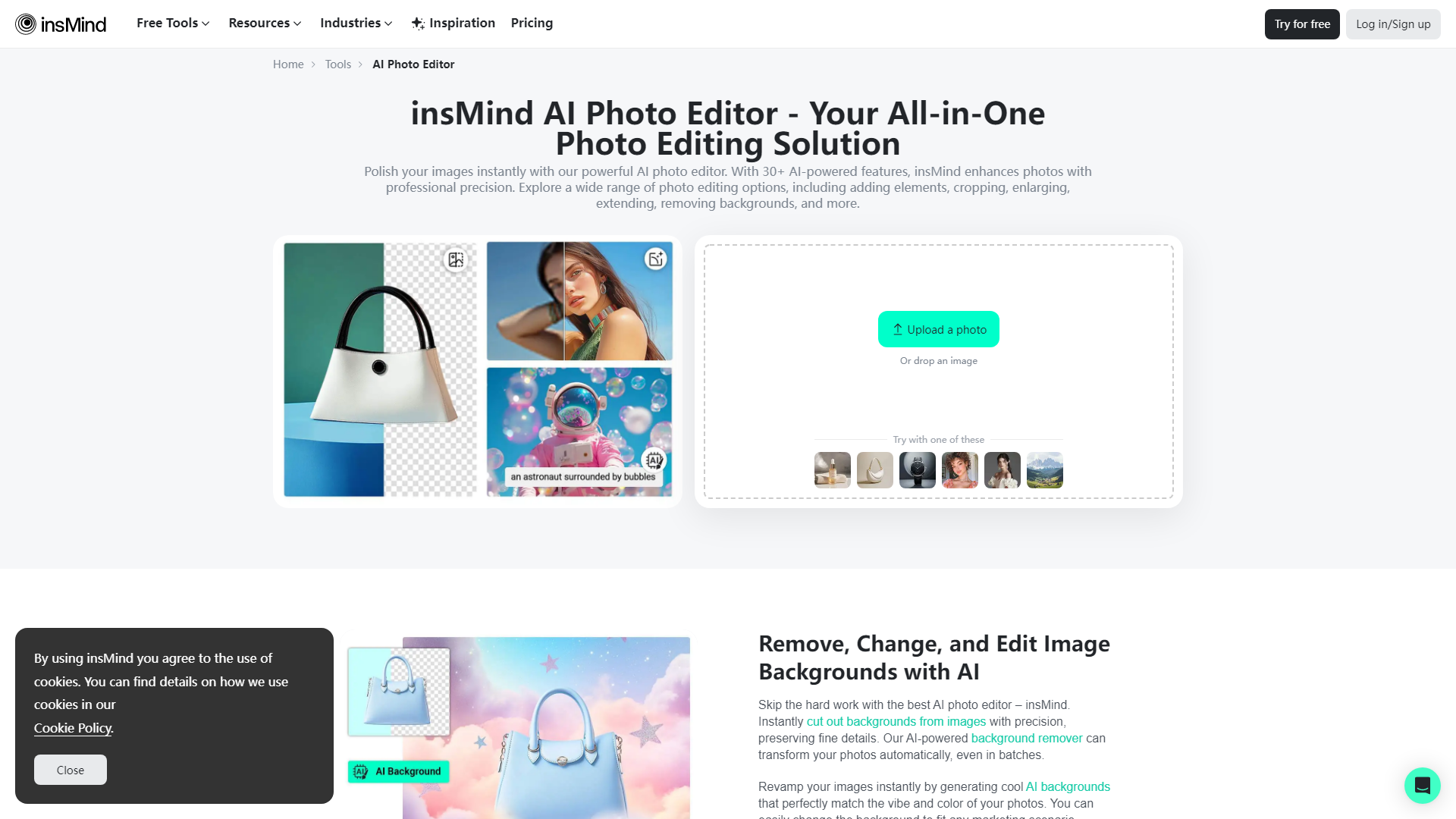
Pokecut is an AI-based photo editor designed to create high-quality images. Lift photos, remove backgrounds and change backgrounds, and more AI features are coming soon.
Introduction
What is Pokecut?
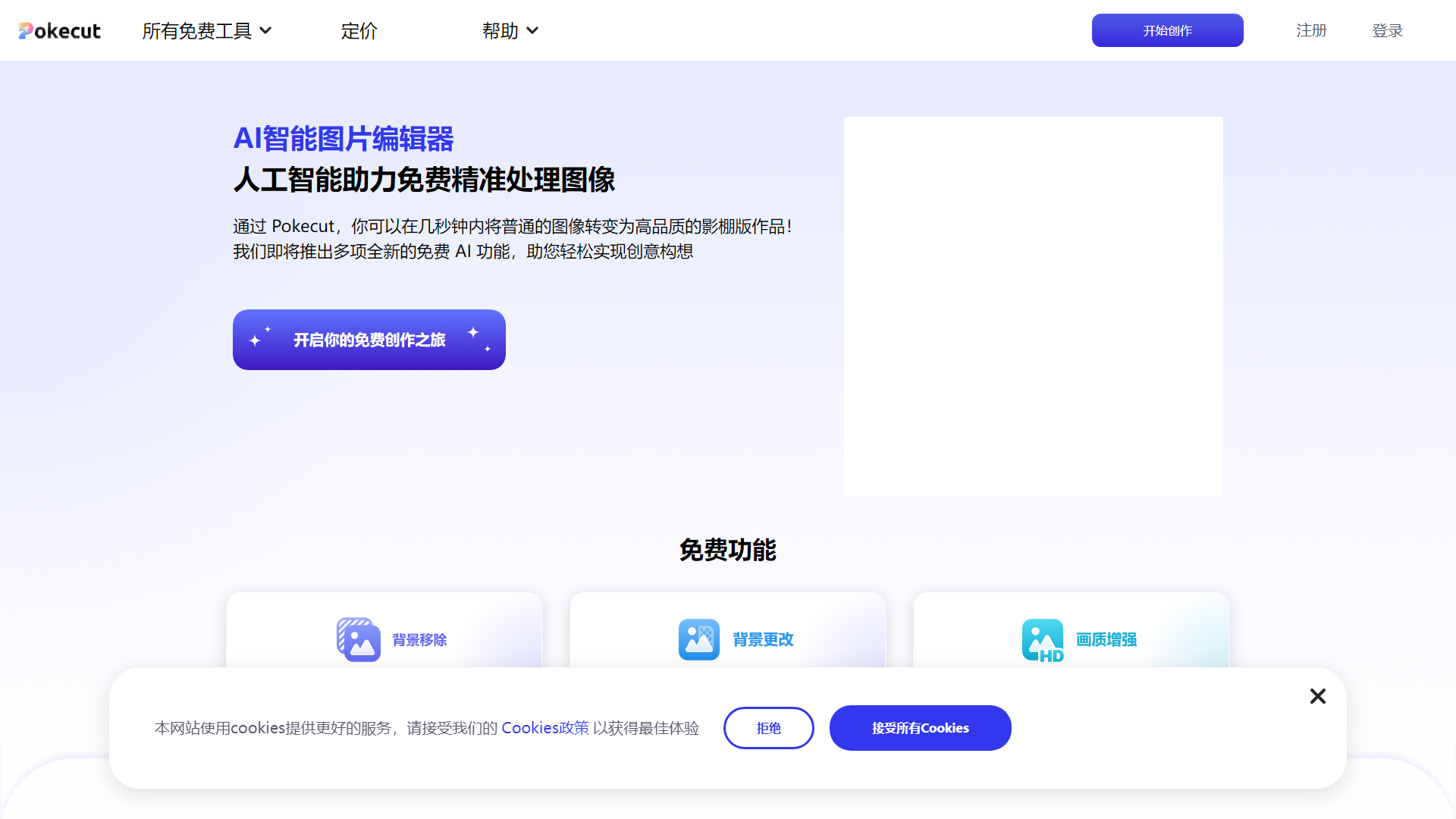
Pokecut is an AI-powered image editing platform that allows users to transform ordinary images into high-quality studio-like works in just seconds. With a range of free AI features, Pokecut makes it easy to bring your creative ideas to life.
Main Features of Pokecut
- AI Background Removal: Effortlessly remove backgrounds from images with just one click, allowing for transparent background images that you can save and edit further.
- Background Change: Choose from over 1000 background templates and colors to enhance your images, whether for social media, advertising, or personal projects.
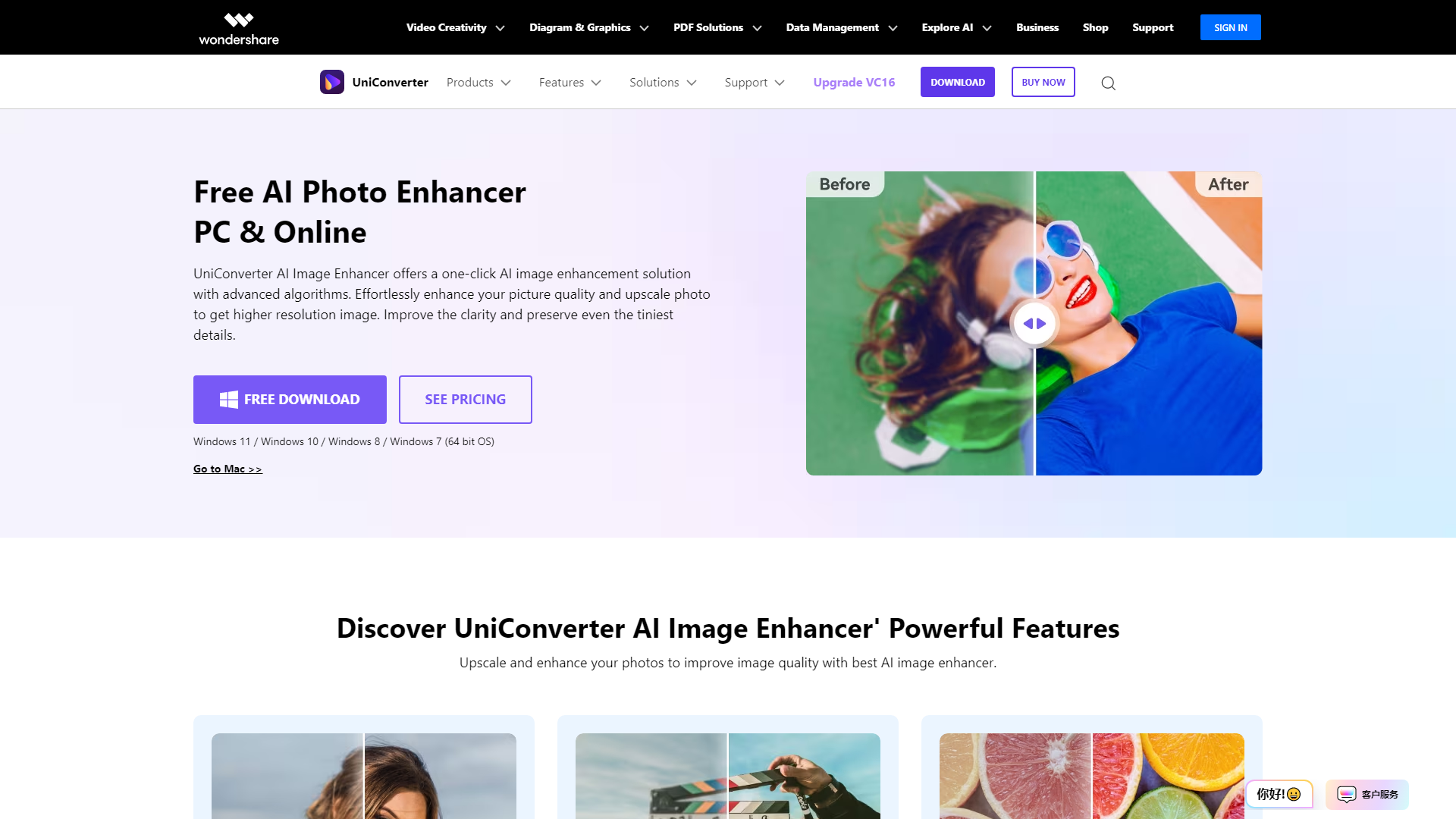
- Image Quality Enhancement: Utilize advanced AI models to improve the quality of old or low-resolution photos, restoring clarity and vibrant colors.
How to Use Pokecut?
Using Pokecut is simple and user-friendly. Just upload your image, select the desired feature (background removal, background change, or quality enhancement), and let the AI do the work. The platform is accessible online, requiring no downloads, and processes images in seconds.
Pricing
Pokecut offers a variety of free tools, allowing users to access essential features without any cost. For those looking to unlock additional functionalities, there are subscription options available to enhance your editing experience.
Helpful Tips
- Maximize Your Creativity: Experiment with different backgrounds and quality enhancements to find the perfect combination for your images.
- Use for Various Purposes: Whether for e-commerce, social media, or personal projects, Pokecut can help elevate your visual content.
- Stay Updated: Keep an eye out for new features and updates to make the most of your Pokecut experience.
Frequently Asked Questions
Can I remove backgrounds from images using Pokecut?
Yes, Pokecut offers a powerful background removal tool that can quickly eliminate backgrounds from any image.
How many background templates are available?
Pokecut provides over 1000 background templates and colors to choose from, catering to various styles and needs.
Is there a mobile app for Pokecut?
Yes, Pokecut is available as a mobile app on both iOS and Android, allowing you to edit images on the go.
Will my images be saved securely?
Pokecut values user privacy and ensures that your images are processed securely. You can manage your data and delete your account if needed.
What if I need more features than the free version offers?
If you find the free features insufficient, consider subscribing to unlock additional functionalities and enhance your editing capabilities.