Mastersheets.ai - AI-Powered Spreadsheets with Role-Based Permissions
Mastersheets is an innovative AI-powered spreadsheet platform designed to streamline business operations by providing a centralized hub for managing data.
Introduction
What is Mastersheets.ai?
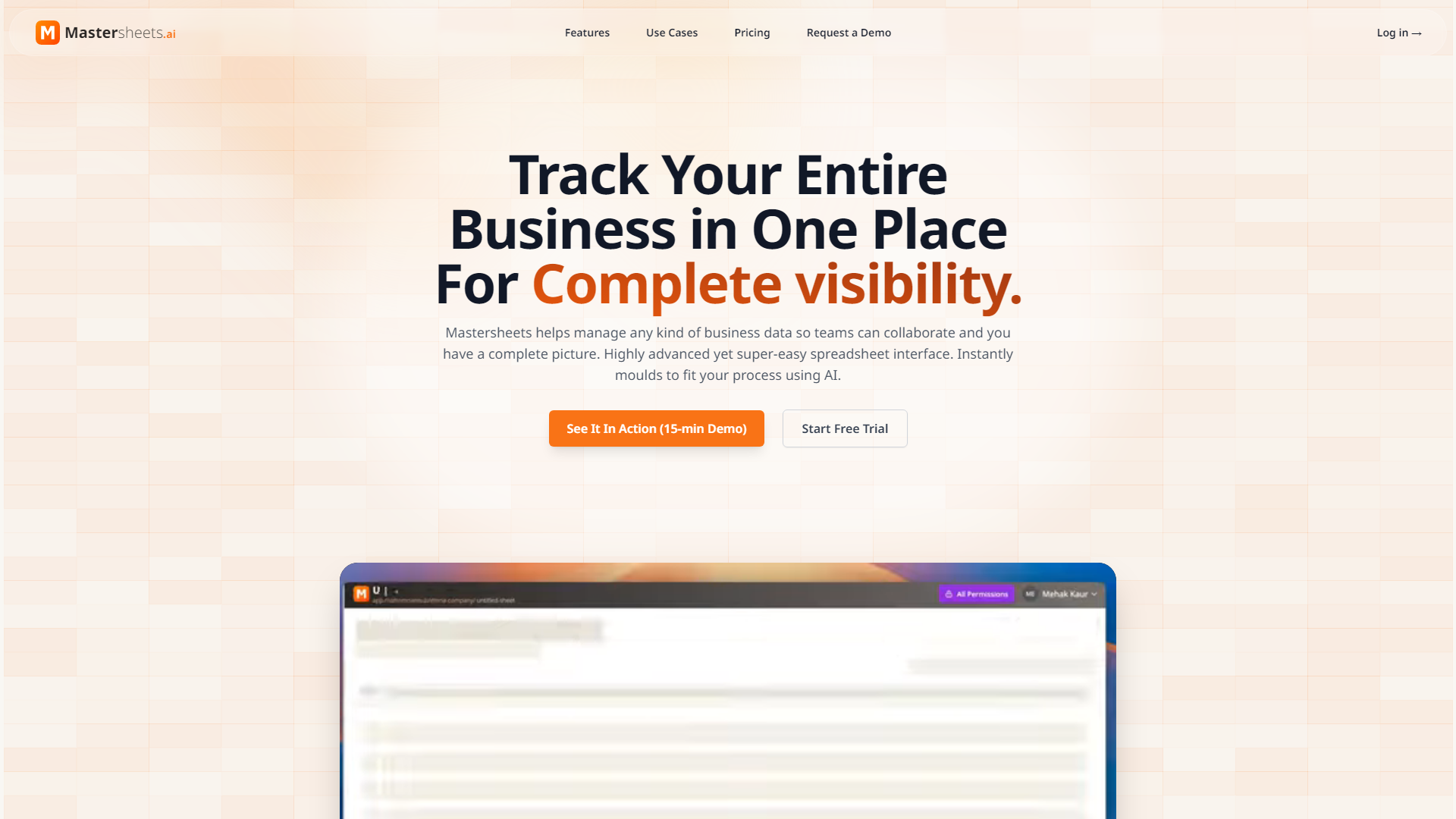
Mastersheets.ai is an innovative AI-powered spreadsheet platform designed to streamline business operations by providing a centralized hub for managing data. It allows teams to collaborate effectively while maintaining complete visibility over their processes. With a user-friendly interface that mimics traditional spreadsheets, Mastersheets.ai integrates advanced features to enhance productivity and data management.
What are the main features of Mastersheets.ai?
- Role-Based Access Control: Protect sensitive information by allowing team members to access only the data relevant to their roles.
- Automated Approval Workflows: Simplify the approval process by automating request routing and tracking status in real-time.
- Smart Deadline Management: Ensure projects stay on track with automatic reminders and visual indicators for deadlines.
- Real-Time Activity Tracking: Maintain accountability with complete audit trails that show who made changes and when.
- AI-Powered Setup: Quickly create a custom system tailored to your workflow in minutes, not months.
- Centralized Data Hub: Eliminate version conflicts and duplicate data by having one source of truth for all business information.
How to use Mastersheets.ai?
To get started with Mastersheets.ai, simply sign up for a free trial. You can then describe your workflow, and the AI will generate a customized spreadsheet setup that fits your business needs. The intuitive interface allows team members to easily navigate and utilize the platform without extensive training.
What is the pricing for Mastersheets.ai?
Mastersheets.ai offers a free plan with basic features, allowing users to explore the platform without any financial commitment. For more advanced functionalities and increased access, users can opt for affordable subscription plans tailored to their business requirements.
Helpful Tips for Using Mastersheets.ai
- Leverage Role-Based Access: Set up permissions carefully to ensure that sensitive data is protected while still allowing team members to access necessary information.
- Utilize Automated Workflows: Take advantage of the automated approval workflows to save time and reduce the hassle of manual tracking.
- Monitor Deadlines: Use the smart deadline management features to keep projects on schedule and avoid last-minute rushes.
- Explore AI Setup: Don’t hesitate to use the AI-powered setup feature to quickly create a system that meets your specific needs.
Frequently Asked Questions
Can I customize my spreadsheets in Mastersheets.ai?
Yes, Mastersheets.ai allows for extensive customization to fit your business processes, ensuring that the system works for you.
Is there a limit to the number of users on the free plan?
The free plan has certain limitations, but it is designed to give you a taste of the platform's capabilities. For larger teams, consider upgrading to a paid plan.
How secure is my data with Mastersheets.ai?
Mastersheets.ai prioritizes data security with role-based access control and encrypted data storage, ensuring that sensitive information remains protected.
Can I integrate Mastersheets.ai with other tools?
Yes, Mastersheets.ai can be integrated with various applications to enhance functionality and streamline your workflow.
What types of businesses can benefit from Mastersheets.ai?
Mastersheets.ai is ideal for operations teams, project managers, and department heads looking for a simple yet powerful solution to manage their data without the complexity of traditional ERP systems.