AudioStrip - The Best Online Vocal Isolator for Free
The best way to remove or isolate vocals from any song!
| Added on : | Jun 23, 2025 |
| Monthly Visitors : | 14.6K 93.12% 93.12% |
Introduction
What is AudioStrip?
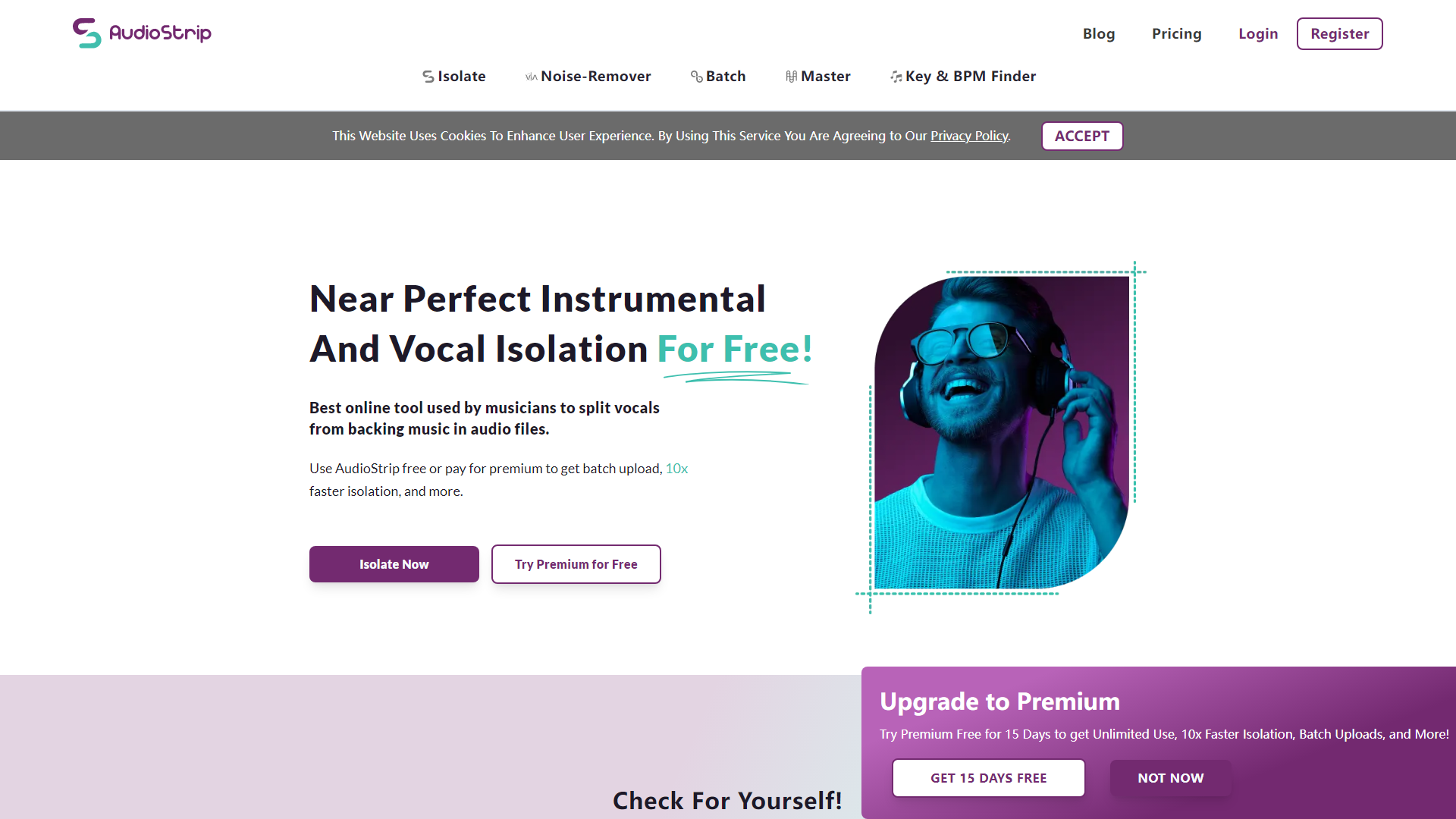
AudioStrip is a powerful online vocal isolator that allows users to separate vocals from backing music in audio files effortlessly. It is designed for musicians, audio engineers, and anyone looking to isolate vocals or instrumentals for various purposes, such as remixing, karaoke, or music production.
What are the main features of AudioStrip?
- High-Quality Vocal Isolation: Utilizes advanced algorithms for near-perfect separation of vocals and instrumentals.
- Noise Removal: Offers a denoiser feature to enhance speech clarity by removing background noise.
- Batch Processing: Allows users to isolate multiple audio files simultaneously for efficient workflow.
- Instant AI Mastering: Provides mastering services to enhance audio quality.
- Free and Premium Plans: Offers a free plan with limited features and a premium plan for unlimited access and faster processing.
How to use AudioStrip?
Using AudioStrip is simple:
- Visit the AudioStrip website.
- Upload your audio file (up to 50 MB for the free plan).
- Choose the isolation type (vocals or instrumentals).
- Click on "Isolate Now" and wait for the processing to complete.
- Download your isolated tracks in the desired format (MP3 for free users, WAV or FLAC for premium users).
What is the pricing for AudioStrip?
-
Free Plan: £0 / Month
- 3 isolations per month
- 3 masters per month
- 3 enhancements per month
- Isolation speed: 15 - 60 minutes
- Output format: MP3
- Size limit per upload: 50 MB
- Song duration limit per upload: 8 minutes
-
Premium Plan: £5.99 / Month (or £7.99 with a 25% discount for the first month)
- Unlimited isolations, masters, and enhancements
- Isolation speed: Over 10x faster
- Output formats: WAV, FLAC, MP3
- Size limit per upload: 200 MB
- Song duration limit per upload: 20 minutes
- Fewer captchas and batch uploads available
Helpful Tips for Using AudioStrip
- Optimize Your Audio Files: For best results, use high-quality audio files with clear vocals.
- Experiment with Different Tracks: Try isolating various songs to see how the algorithm performs with different genres and styles.
- Utilize Batch Processing: If you have multiple tracks to isolate, consider upgrading to the premium plan for batch uploads to save time.
- Take Advantage of Free Trials: If you're unsure about the premium features, take advantage of the free trial to test the service.
Frequently Asked Questions
Can I use AudioStrip for free?
Yes, AudioStrip offers a free plan that allows limited isolations and enhancements each month.
How long does it take to isolate vocals?
The isolation speed varies; free users may experience a wait time of 15 to 60 minutes, while premium users can expect results over 10 times faster.
What formats can I download my isolated tracks in?
Free users can download in MP3 format, while premium users have the option to download in WAV, FLAC, or MP3 formats.
Is there a limit on the size of audio files I can upload?
Yes, the free plan has a size limit of 50 MB per upload, while the premium plan allows uploads of up to 200 MB.
Can I cancel my premium subscription anytime?
Yes, you can cancel your subscription at any time, and you will retain access to premium features until the end of your billing cycle.
AudioStrip Website Traffic Analysis
Latest traffic information
Monthly Visits | Bounce Rate | Pages Per Visit |
| 14.6K | 29.98% | 2.88 |
Visit Duration | Global Rank | Country/Region Rank |
| 00:02:15 | 1,327,723 | 399,676 (United States) |
Traffic Sources
| Source | Percentage |
|---|---|
| Direct | 55.36% |
| Referrals | 6.52% |
| Organic Search | 27.25% |
| ... | ... |
Top Regions
| Region | Percentage |
|---|---|
| United States | 93.12% |
 Israel Israel | 3.63% |
 Colombia Colombia | 2.7% |
| ... | ... |