Omni Video AI Video Generator: Free #1 Model
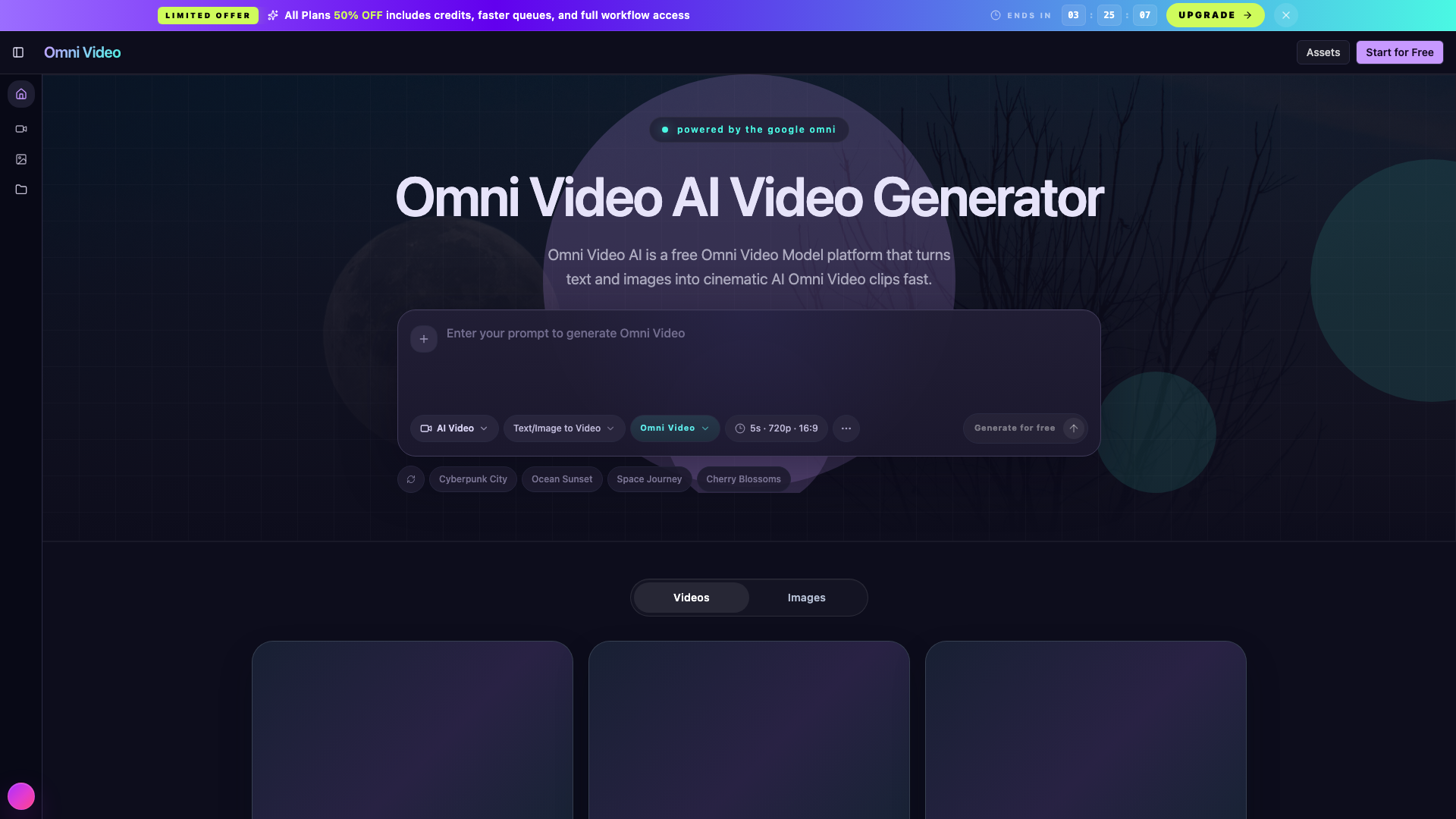
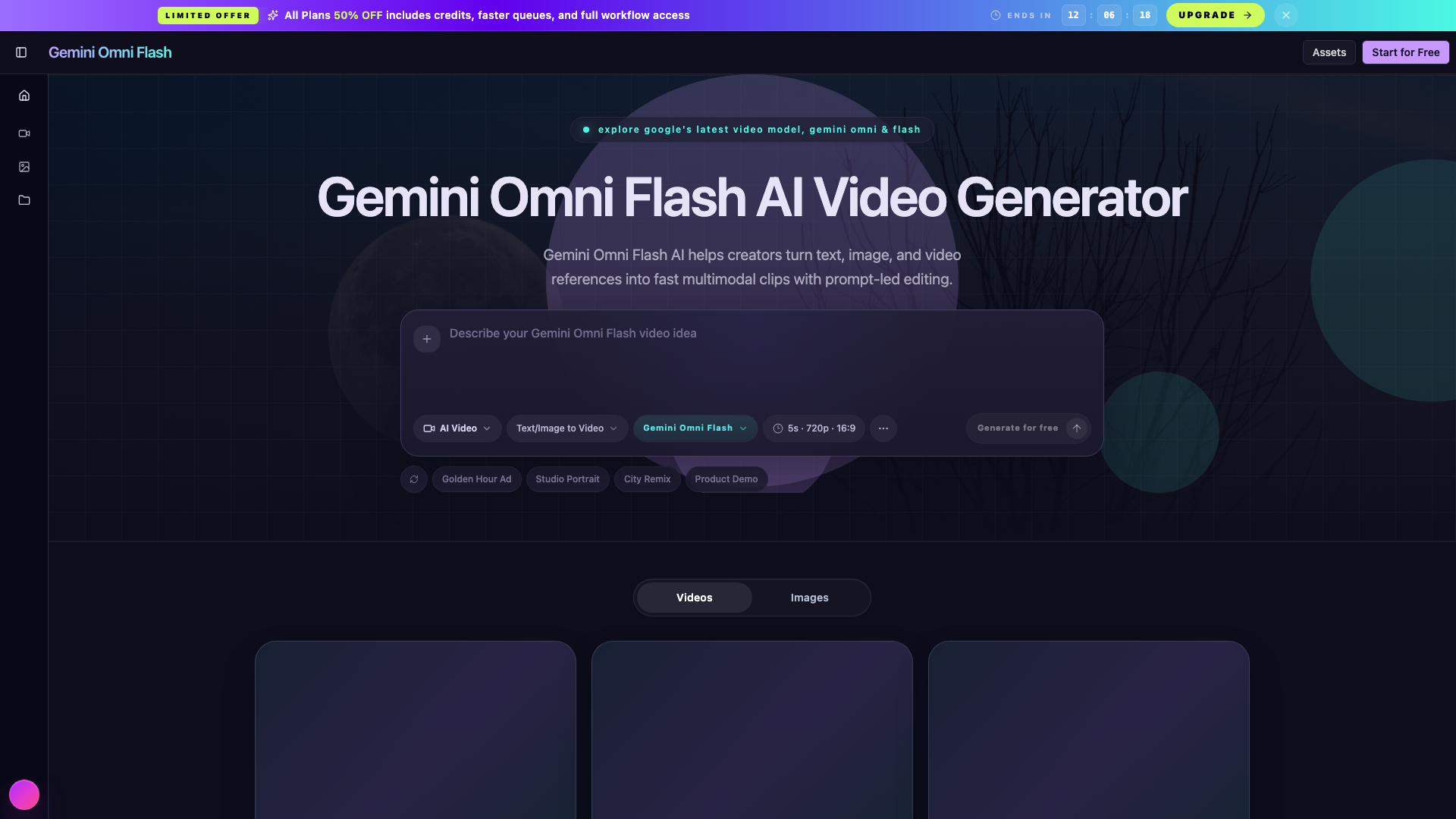
Try Omni Video AI Video Generator for free on aiomnivideo.org. Transform text and images into cinematic AI Omni Video clips with the next-gen Omni Video Model.
Introduction
What is this Omni Video AI?
Omni Video AI is an advanced AI video generation platform designed to transform text and images into cinematic video clips quickly and efficiently. It caters to a wide range of users, including marketers, content creators, and agencies, providing a streamlined workflow that enhances creativity and productivity.
Key Features of Omni Video AI
Text to Video Conversion
Omni Video AI allows users to input text prompts that are seamlessly converted into coherent video clips. The platform ensures that the resulting videos maintain a cinematic quality with appropriate camera motion and lighting.
Image to Video Transformation
Users can upload reference images, which the tool then transforms into dynamic video clips. This feature ensures stable motion and coherent transitions, making it ideal for showcasing products or concepts.
Integrated Editing Tools
The platform includes an AI video editor that enables users to refine their clips directly within the workspace. Adjustments to timing, framing, and visual style can be made easily, ensuring a polished final product.
High-Quality Output
Omni Video AI supports high-definition video generation, with outputs available in 4K resolution. The model is designed to maintain identity, texture, and lighting consistency across frames, resulting in natural-looking videos.
Fast Processing Time
With an impressive inference time of just 0.8 seconds, users can generate videos quickly, making it suitable for fast-paced creative environments.
Use Cases for Omni Video AI
Marketing Campaigns
Marketers can create engaging ad loops, explainers, and teasers that align with their brand''s visual identity, all from a single platform.
Creative Testing
The platform allows for rapid iteration on creative assets, enabling teams to test various styles and compositions without starting from scratch.
Social Media Content
Content creators can produce visually consistent clips that match their campaign tone, ensuring a unified visual language across posts.
How to Use Omni Video AI
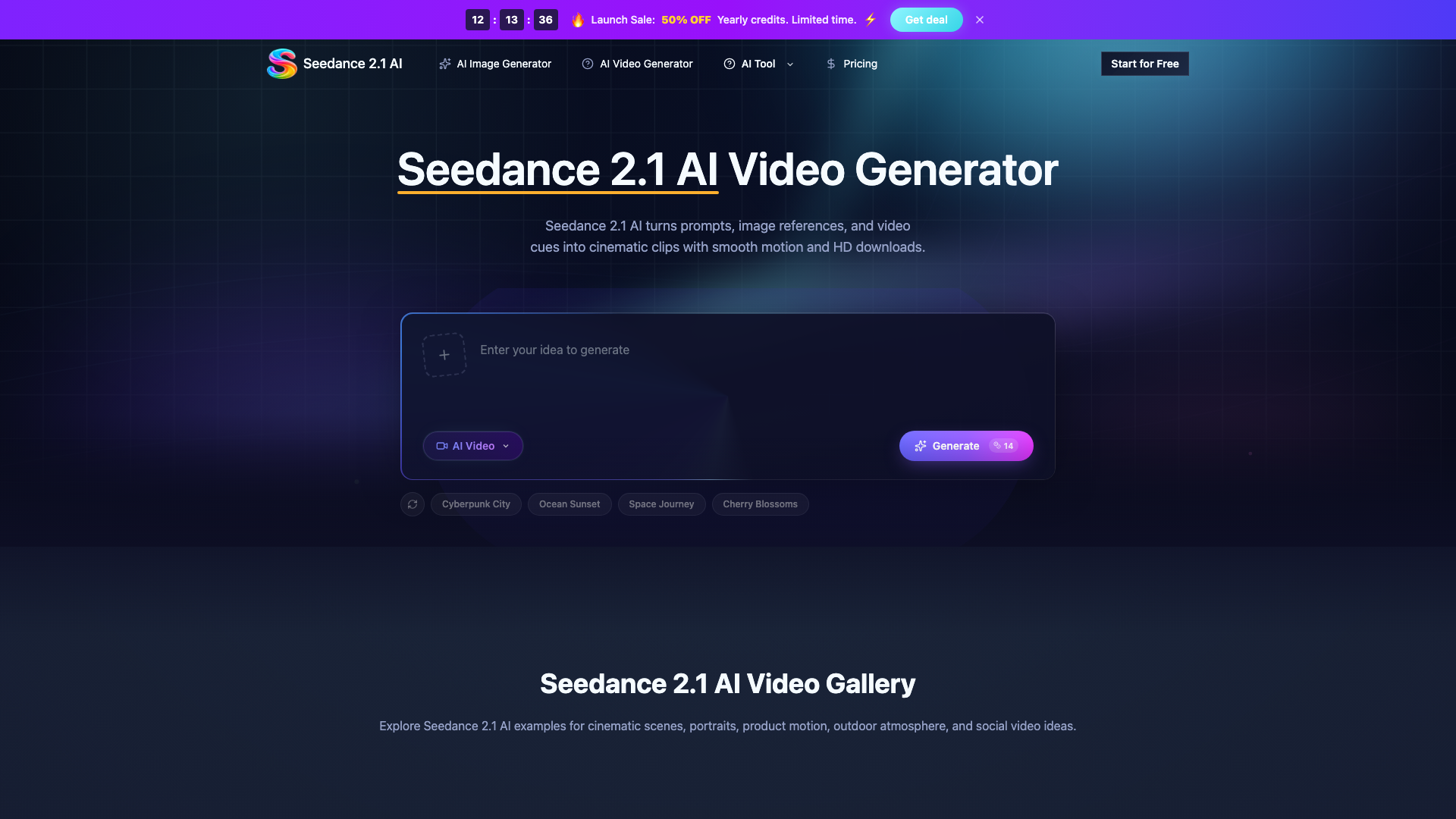
- Input Prompt: Describe the desired video or upload a reference image.
- Choose Parameters: Set the video duration, aspect ratio, and output quality.
- Generate and Download: Click generate, wait briefly, and download your high-definition video.
Testimonials from Users
- Jordan Vance, Film Director: "Omni Video AI gave my team an AI Video Generator workflow that turns script notes into usable pre-vis clips in minutes."
- Linda Wu, Marketing Head: "We replaced fragmented tools with Omni Video AI and now run campaigns from one dashboard."
- Sarah Jenkins, Content Creator: "The model output is publishable without heavy retouching."
FAQ
What is Omni Video AI and who is it for?
Omni Video AI is a browser-based AI Video Generator designed for marketers, creators, agencies, and in-house teams to produce cinematic clips efficiently.
How is the Omni Video platform different from a regular AI Video Generator?
Unlike typical AI Video Generators, Omni Video provides a complete model workflow that integrates prompt, reference, motion, and pacing controls in one space.
What is the Omni Video Model and what makes it different?
The Omni Video Model is a new generation of AI video architecture that offers long-context scene understanding and tighter identity consistency across frames.
Can the tool work as text to video and image to video?
Yes, the platform supports both text to video and image to video generation, allowing for consistent style and tone across creative assets.
Is this product related to gemini Omni Video?
Omni Video AI is inspired by the cinematic style associated with gemini Omni Video research but operates independently, focusing on usability for everyday creators.
Can I edit outputs inside the workspace?
Yes, the interface includes editing controls that allow for quick adjustments to look, rhythm, and consistency without needing to switch to separate post-production tools.
![[OFFICIAL] HitPaw – AI Video, Photo & Audio Enhancer Solutions](https://img.briefurl.top/www-hitpaw-com-1764592042.png "[OFFICIAL] HitPaw – AI Video, Photo & Audio Enhancer Solutions")